This roadmap reflects our current development cycle and we plan to update it regularly. This roadmap does not guarantee which features will be included in a specific software version. All plans are tentative and subject to change without notice.

Discover Upcoming Features and Ideas

Catch up on upcoming features, vote, comment, and submit new ideas.

53 cards
Everything
Arrow Down
Everything
On Target Icon On Target
At Risk Icon At Risk
Delayed Icon Delayed
Completed Icon Completed
Editor's pick
Arrow Down
Editor's pick
Most recent
Most upvoted

Upcoming: 1.2.0 (2026)

Collapse Section

Feature Preview

Material Shader to Game Engine SDK Workflow

Status IconAt Risk

Feature Preview

Material Shader to Game Engine SDK Workflow

User Avatar

Nicholas Seavert

Posted on April 17, 2025

Status IconAt Risk

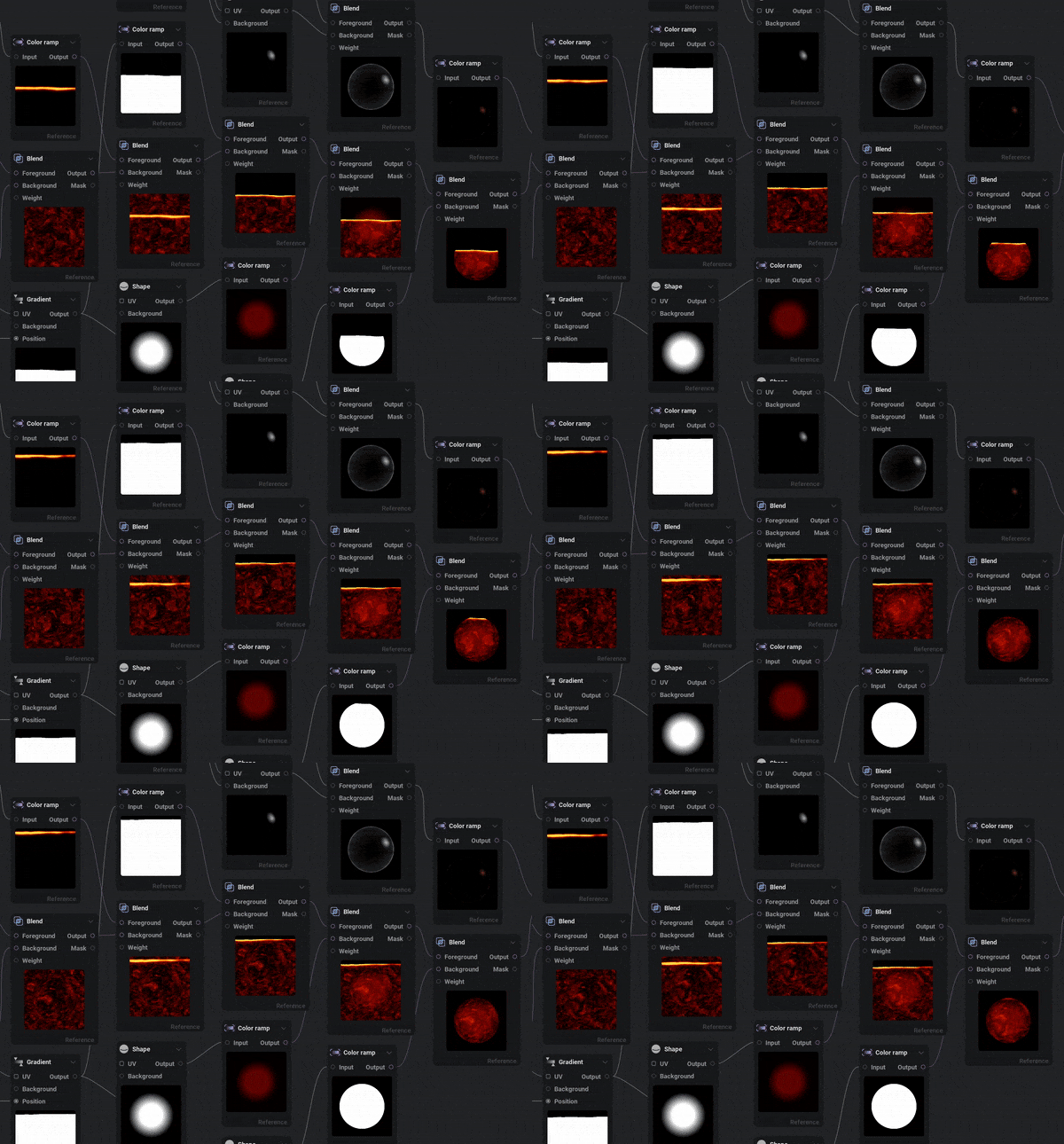
The next major step for IlluGen is having a shader workflow from IlluGen to Unreal, Unity, or Godot. When building out assets in IlluGen there are usually two steps: Create the actual asset, then do shader like manipulations to see how all of your assets work together. We are looking into having two direct steps in our pipeline with the asset creation and then the shader steps. This will allow you to continue authoring the assets in IlluGen while seeing it in the proper material shader. From there when you are satisfied, you will be able to export to the engine of your choice for both assets and shaders.

Feature Preview

3D Particles

Status IconOn Target

Feature Preview

3D Particles

User Avatar

Nicholas Seavert

Posted on April 17, 2025

Status IconOn Target

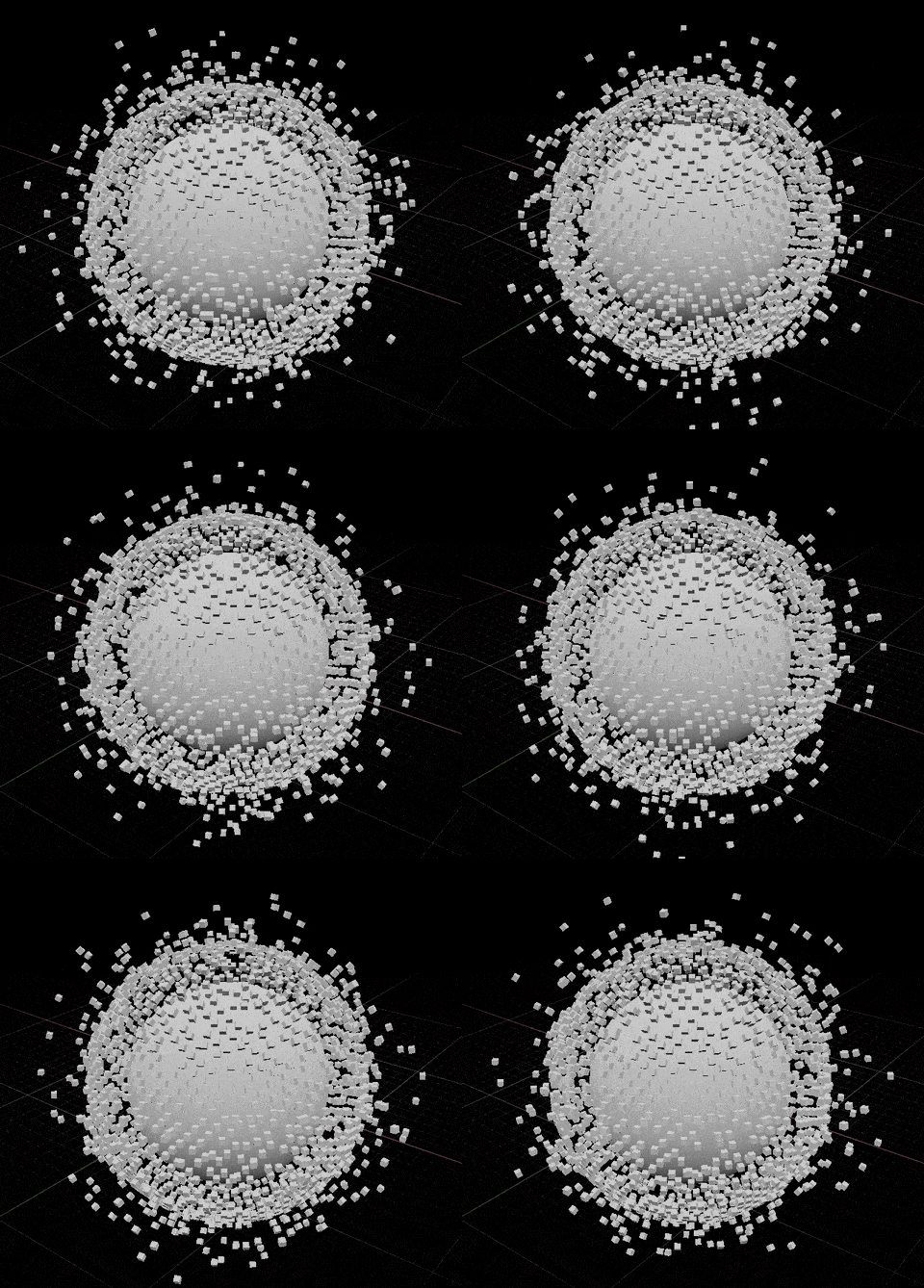
3D particles will be eligible for conversion to both 2D texture projection and as exportable objects. JSON, VAT, Alembic, and so on. We want you to have full control over what your particles do and how you can utilize them in your procedural generation.

Feature Preview

2D Particles

Status IconOn Target

Feature Preview

2D Particles

User Avatar

Nicholas Seavert

Posted on April 17, 2025

Status IconOn Target

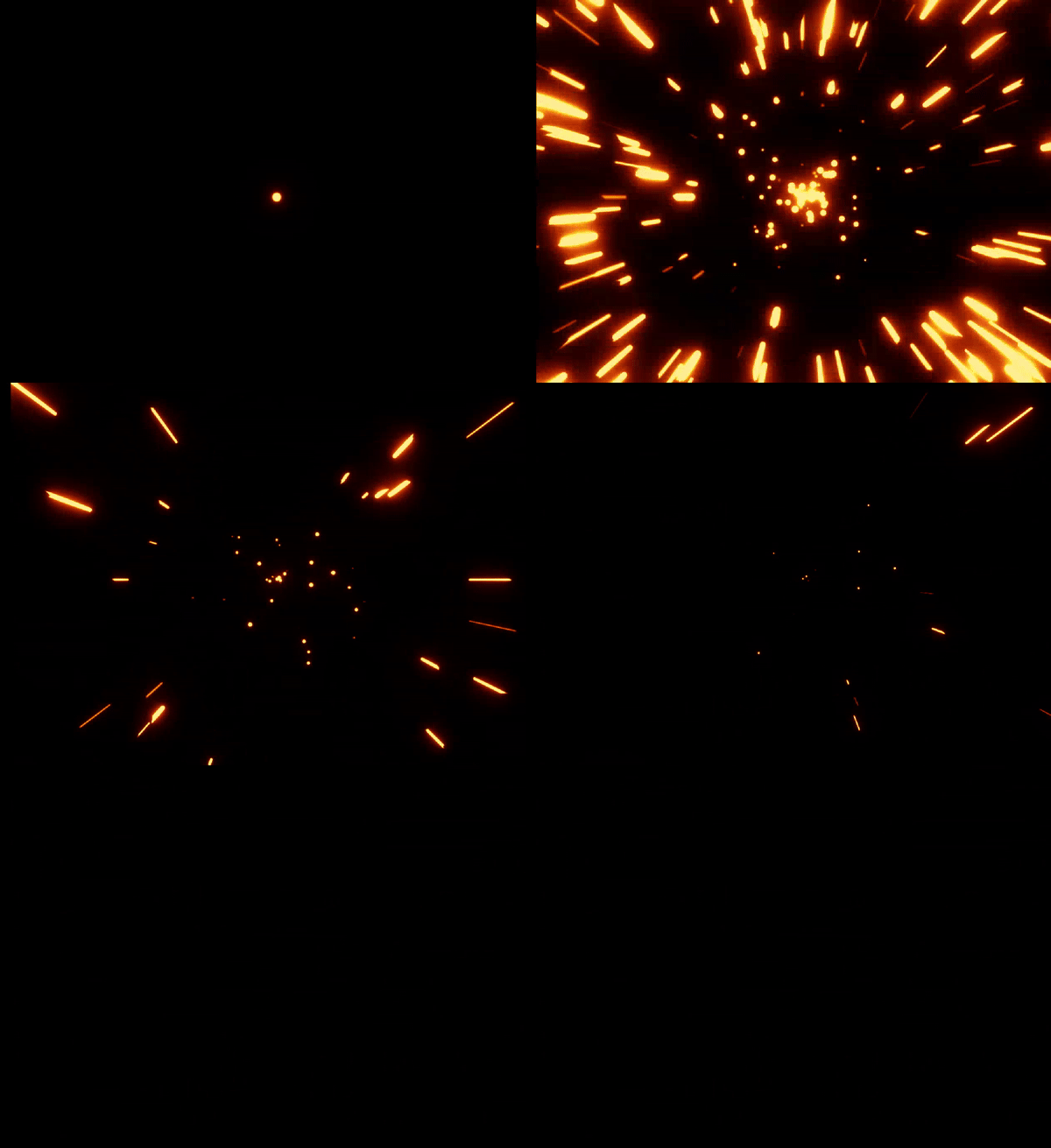
Sometimes you may need additional complex natural motion that can't be achieved without the data 2D particles can provide. 2D particles can be baked down into your procedural textures, or provide sampling information for a number of unique 2D operations.

Feature Preview

Math Processor ("Pixel Processor")

Status IconOn Target

Feature Preview

Math Processor ("Pixel Processor")

User Avatar

Nicholas Seavert

Posted on September 5, 2025

Status IconOn Target

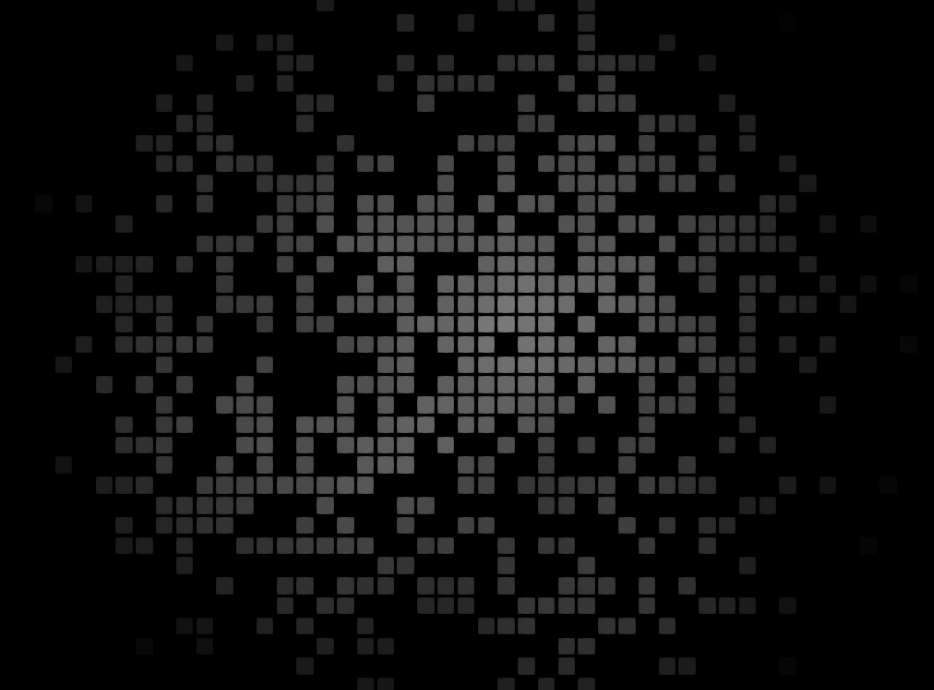
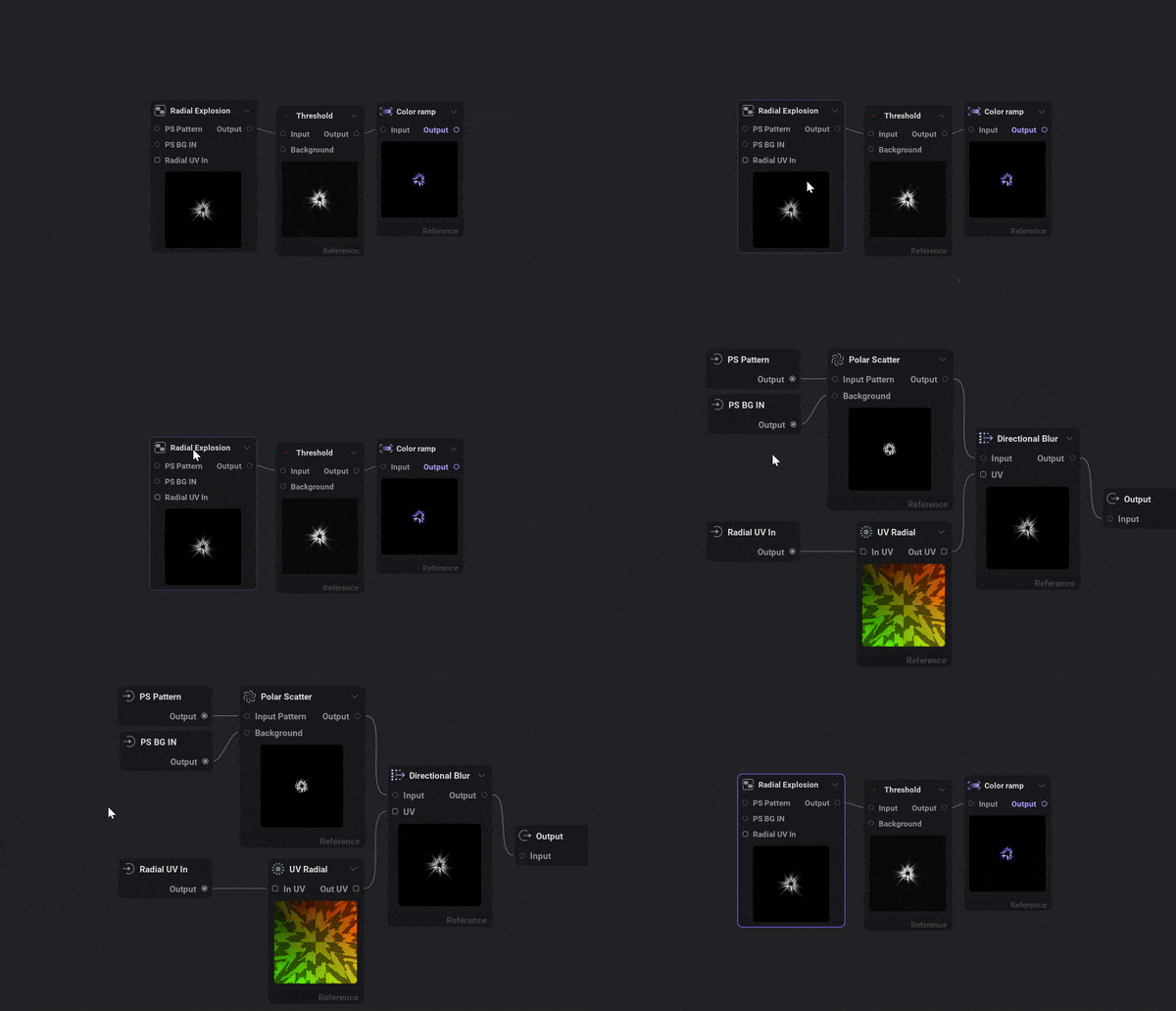
Similar to Substance Designers Pixel Processor, Math processor will be able to edit individual pixels in a texture and edit points on geometry for a more expansive set of features. This will allow for many advanced custom nodes and features beyond what IlluGen allows for out of the box.

Feature Preview

Multiple Materials Support

Status IconOn Target

Feature Preview

Multiple Materials Support

User Avatar

Nicholas Seavert

Posted on September 7, 2025

Status IconOn Target

Currently, you can only have one singular material that you are editing and previewing via the render node. We will be designing a better system that allows for multiple materials to be created and assigned to meshes within one scene.

Feature Preview

L-Systems

Status IconAt Risk

Feature Preview

L-Systems

User Avatar

Nicholas Seavert

Posted on January 2, 2026

Status IconAt Risk

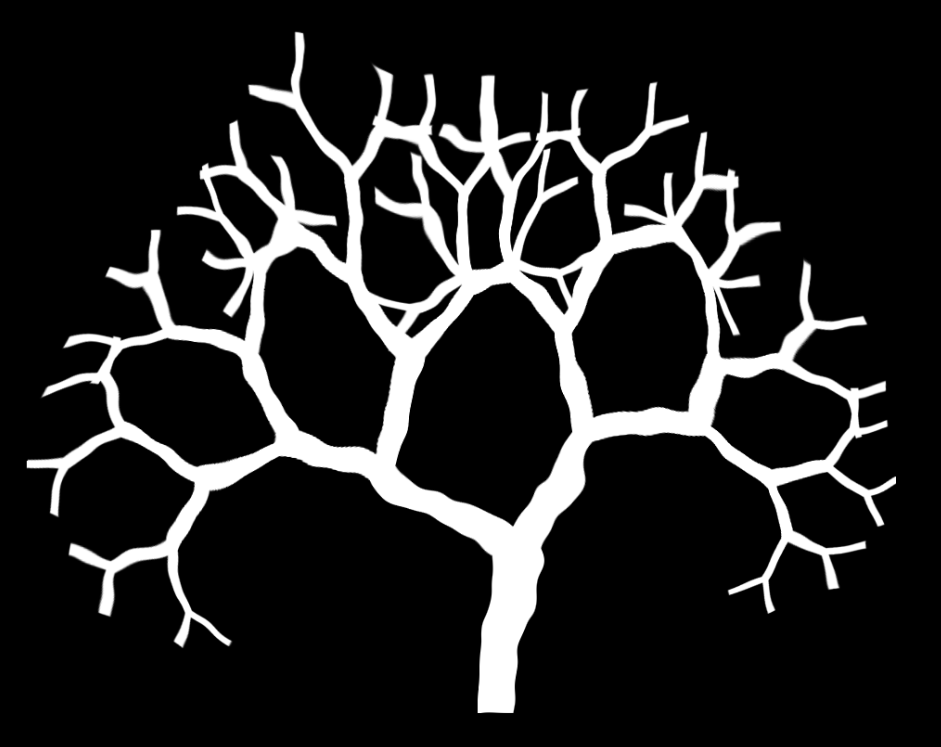
2D and 3D L-system support for things such as:

  • 3D Branching lightning
  • 3D Trees
  • 2D Cracks

Upcoming: 1.1.3 (4/29/2026)

Collapse Section

Feature Preview

1.1.3 Changelog

Status IconOn Target

Feature Preview

1.1.3 Changelog

User Avatar

Nicholas Seavert

Posted on April 28, 2026

Status IconOn Target

1.1.3

New Additions

  • Added several new node presets
    • Find the correct node when searching for terms such as Quantize, Invert, Bevel, etc.
  • Added previews to all node dropdown menus (Note: This can be disabled in the preferences)
  • Added preview to node menu (Note: This can be disabled in the preferences)
  • Added Create Next Node shortcut (Ctrl+K) to open the add-node menu from the active node’s first output pin
  • Added parameter preview matrix accessible from the 'View' menu or by the default shortcut Ctrl+Shift+M
  • Added a reduction level to the Pixelizer node to pixelize an image while keeping its original resolution
  • Added a grid view of spline control points on all nodes using splines, with manual position editing
  • Added snap to grid options when editing splines
  • Added average blend mode to the Multi Blend node
  • Added context menu to home screen items
  • Added ‘Simplify’ option to the color gradient’s menu
  • Added current preview node and pin text on the viewport
  • Added support for pasting an image directly into the node graph
  • Added support for pasting a file path directly onto the node graph
  • Added support for project-relative paths
    • This can be disabled in the preferences
  • Added Bokeh Blur utils node
  • Added Looper utils node to loop a non-looping sequence of images
  • Added Send/Receive (wireless connection) nodes
  • Added crash handling and reporting

Improvements

  • Improved slider/number widget’s textbox behavior
    • Removed the unit from text mode while editing
    • Added support for Shift + Up/Down to increment or decrement by steps of 10
  • Improved parameter palette (Ctrl+P)
  • Improved zooming smoothness in the node graph
  • Improved connected pin rendering to draw the line up to the pin instead of stopping at the edge of the node
  • Improved tooltip behavior to carry over when hovering items in quick succession
  • Improved timeout behavior for the licensing service

Changes

  • Swapped order of filtering / tiling on graph’s menubar to match the order in the Node Details panel
  • Swapped sides for text and icons on node footers to match section header

Fixes

  • Fixed deleting hex values in the color picker removing the gradient key
  • Fixed viewport toolbar tooltips
  • Fixed incorrect icon on message box when trying to overwrite a read-only file
  • Fixed tiling on the Lattice node
  • Fixed tiling in the Advect node
  • Fixed graph crashing when the app runs out of GPU resources
  • Fixed importing OBJ files being stuck in an infinite loop
  • Fixed Geo UV spherical and polar projection seam and pole
  • Fixed not being able to link the Mod: Ease node to anything
  • Fixed UV polar, UV rotational and Advection with non square textures
  • Fixed a bug with multiple floating license server connections
Feature Preview

New Node Presets For Common Terms

Status IconCompleted

Feature Preview

New Node Presets For Common Terms

User Avatar

Nicholas Seavert

Posted on April 28, 2026

Status IconCompleted

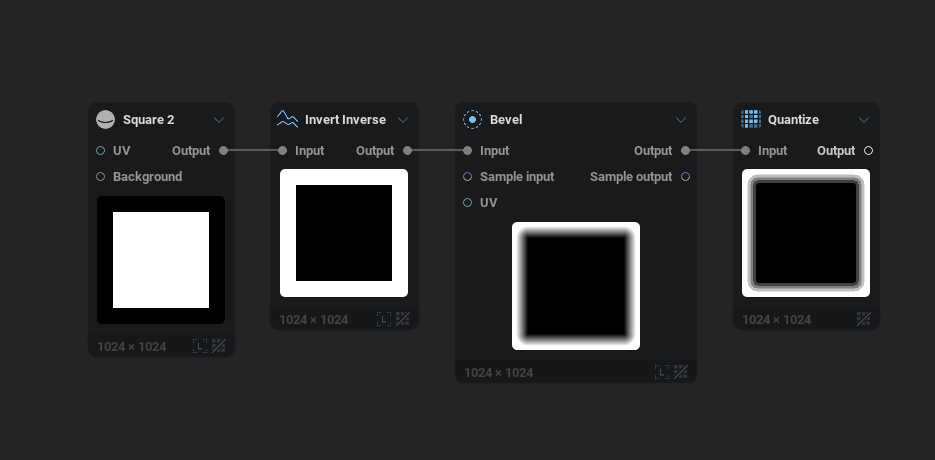
We've added new node presets for common terms:

  • Square 2
  • Triangle
  • Star
  • Ring
  • Pentagon
  • Inverse Invert
  • Quantize
  • Bevel
  • Blend Add Sub
  • Blend Add
  • Blend Alpha
  • Blend Burn
  • Blend Dodge
  • Blend Hardlight
  • Blend Max Lighten
  • Blend Min Darken
  • Blend Mix
  • Blend Multiply
  • Blend Overlay
  • Blend Screen
  • Blend Softlight
  • Perlin (noise)
  • Voronoi (noise)
  • Gabor (noise)
  • Shard (noise)
  • Cubist (noise)
  • etc.
Feature Preview

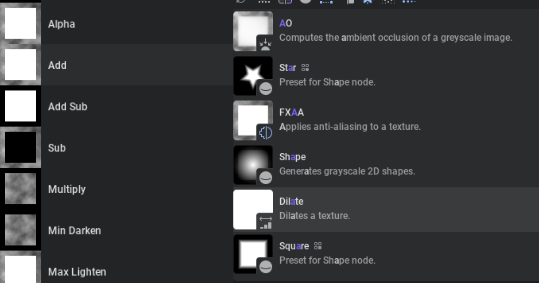
Dropdown & Node Menu Previews

Status IconCompleted

Feature Preview

Dropdown & Node Menu Previews

User Avatar

Nicholas Seavert

Posted on April 28, 2026

Status IconCompleted

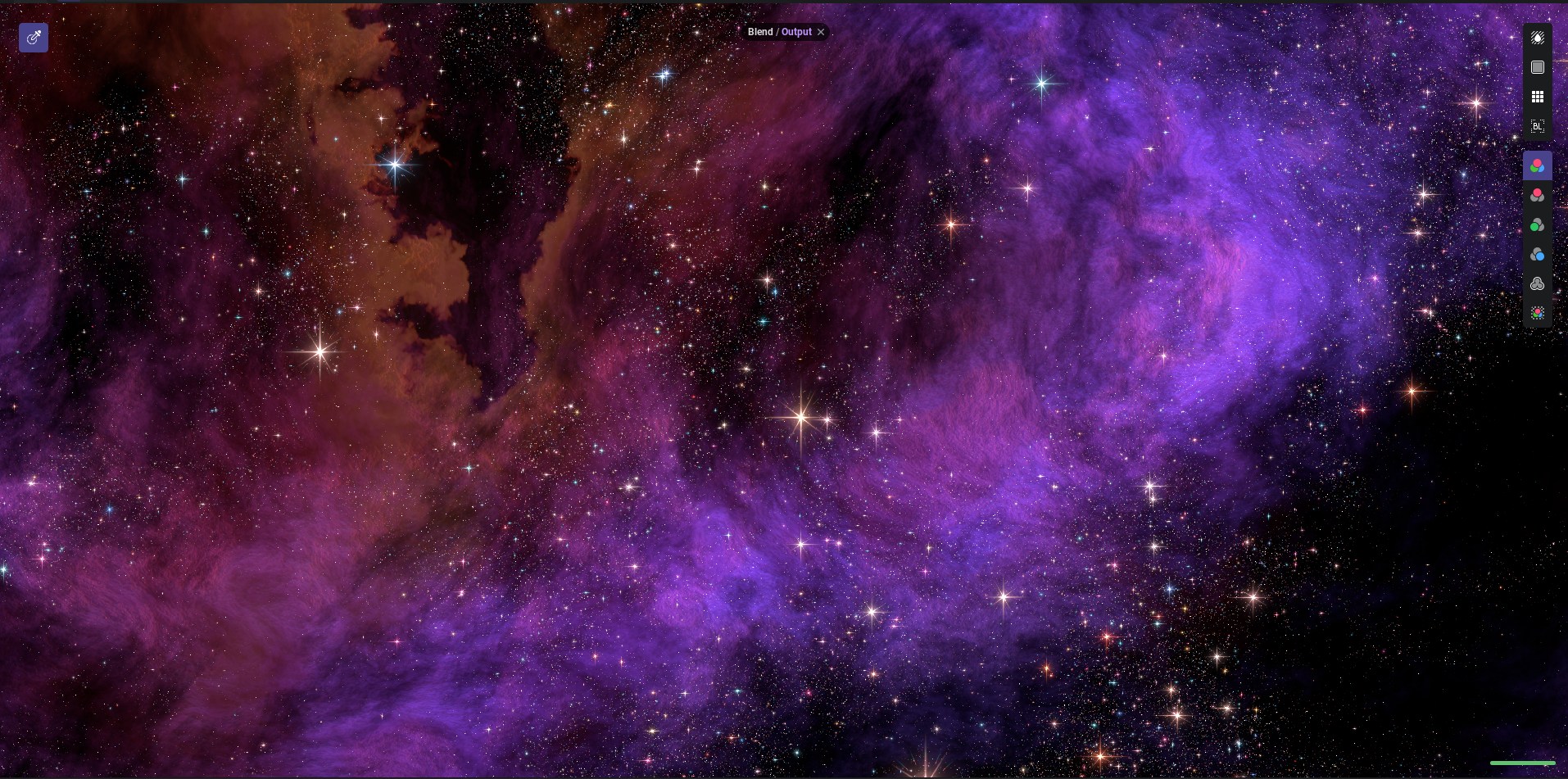
I had a big issue where I was always using the arrow keys to see previews of how each blending mode worked for any given situation. I figured the way it should be done is to actually have a live preview based on your exact situation for ALL dropdowns. Once we implemented this, we decided to also add previews to the node menu as well, so when you drag off of a pin to add a new node, it'll give you a preview of all nodes.

Feature Preview

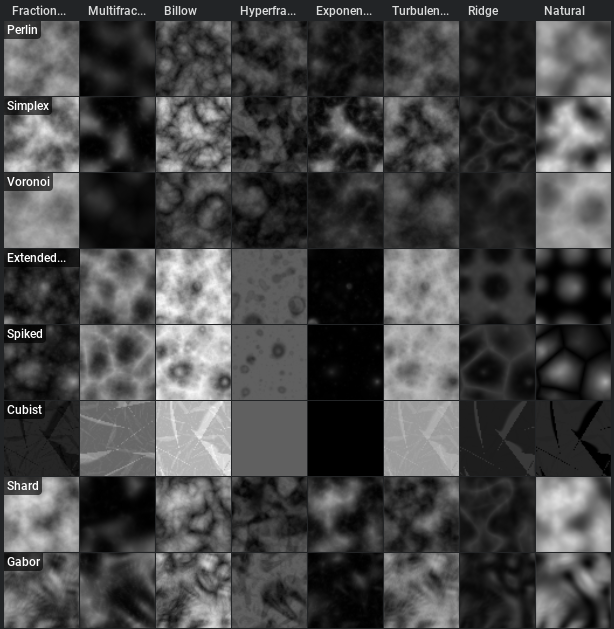
Parameter Comparison Preview Matrix

Status IconCompleted

Feature Preview

Parameter Comparison Preview Matrix

User Avatar

Nicholas Seavert

Posted on April 28, 2026

Status IconCompleted

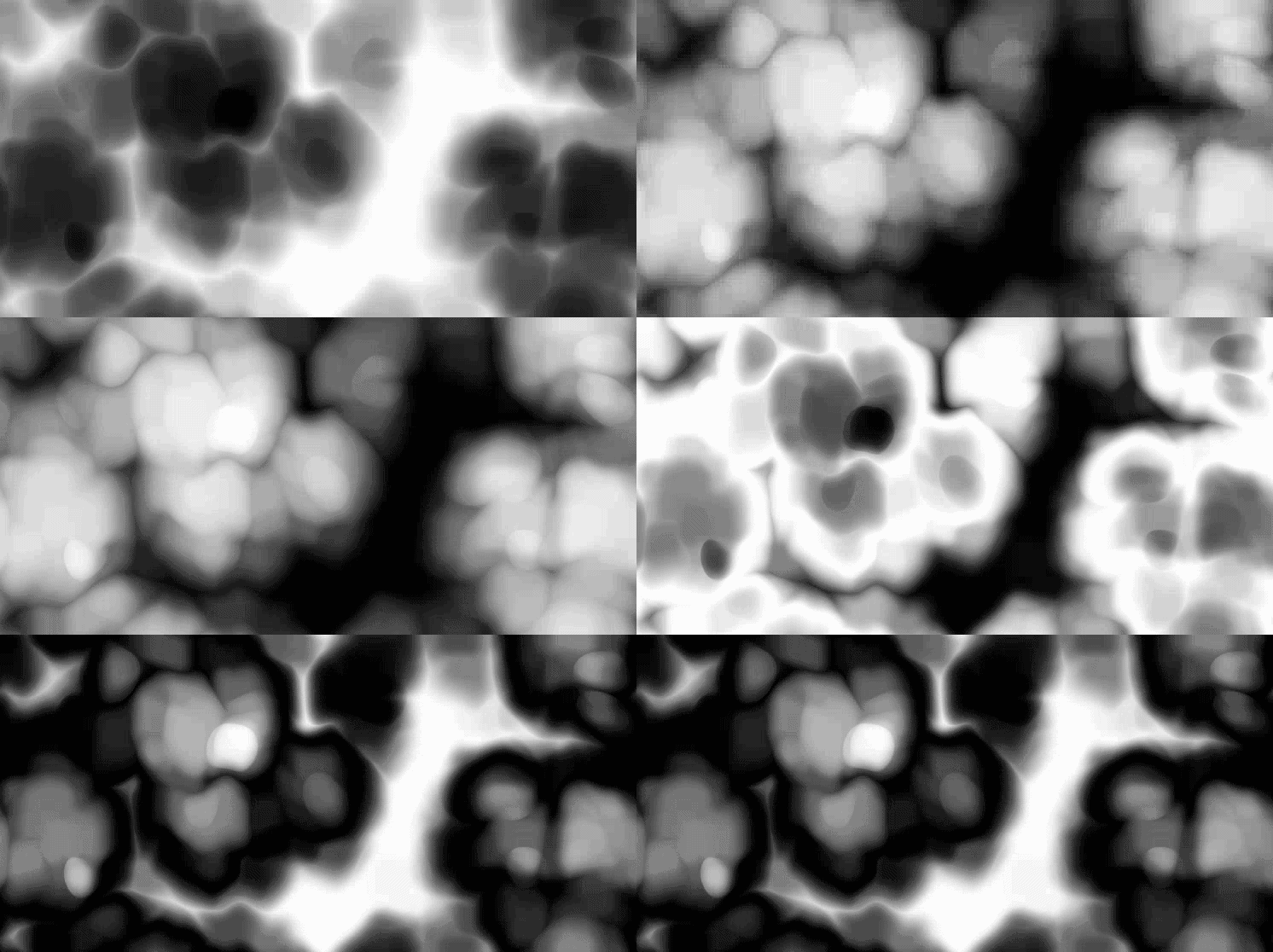
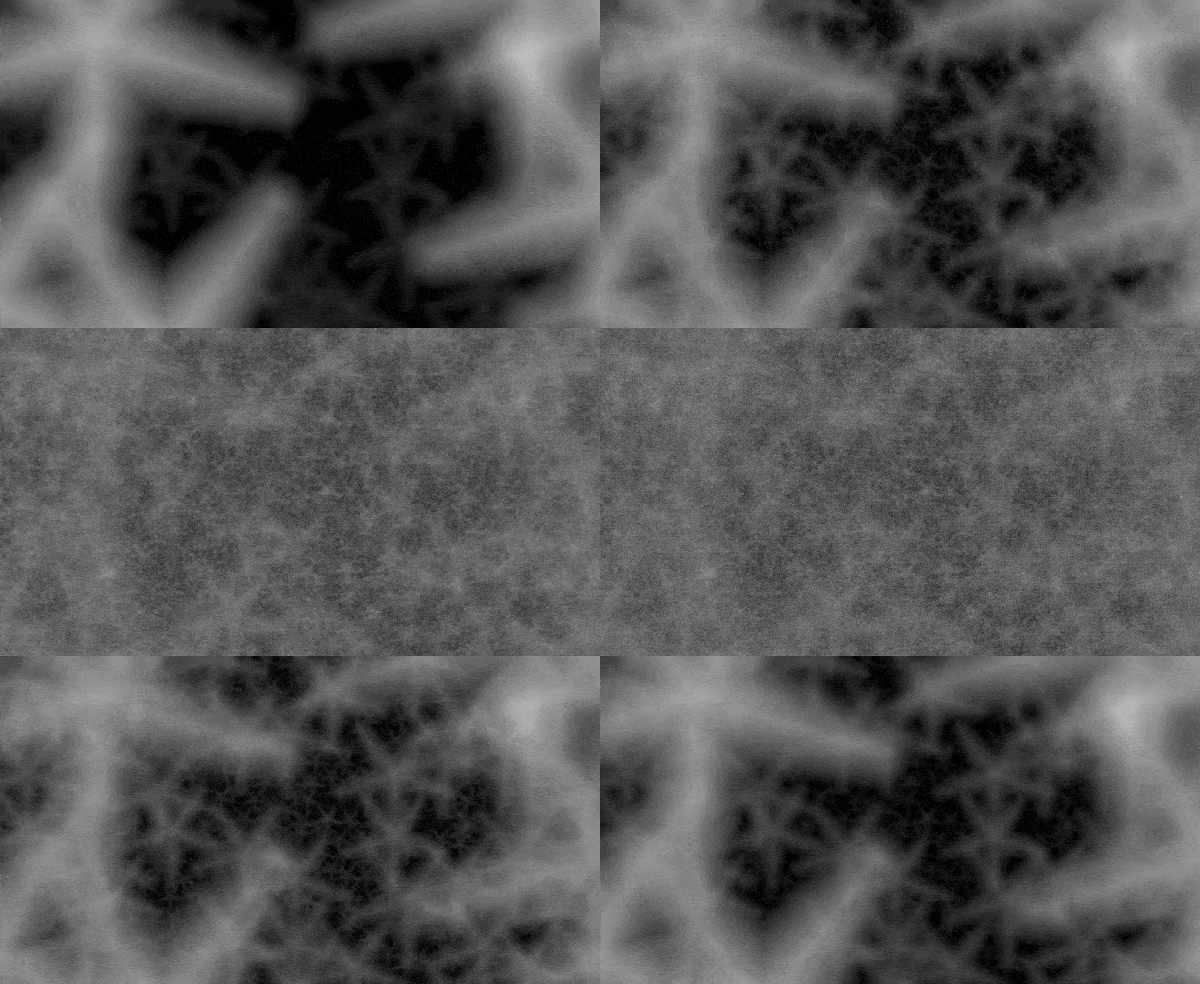
Some nodes have a lot of information and it's hard to get an idea for how flexible the node is, or what all of your options are for the various parameters. You can now use CTRL + SHIFT + M on a node to open the preview matrix and compare two parameters. In the future we may add a way to compare against 3 parameters. Clicking any preview will select the correct settings for that to overwrite what you currently have in the node.

This is super useful for comparing noise types along with octave blending modes, directional blur modes, blend modes, and more.

Feature Preview

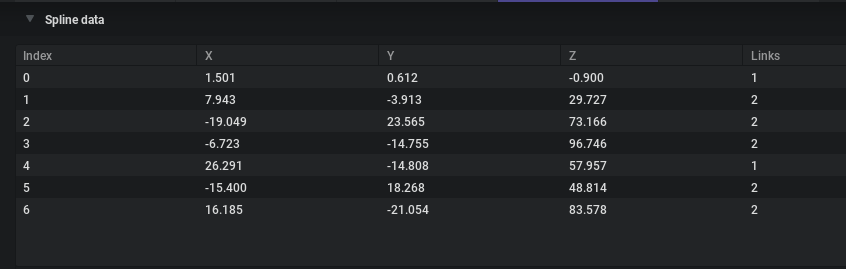
Editable Spline Data Tables

Status IconCompleted

Feature Preview

Editable Spline Data Tables

User Avatar

Nicholas Seavert

Posted on April 28, 2026

Status IconCompleted

We added the ability to edit each point for a spline in a data table view in the node details panel. This isn't a perfect solution to fixing spline editing, but at least you can zero out an axis to ensure that a spline is on the axis' you want.

Feature Preview

Node: Bokeh Blur

Status IconCompleted

Feature Preview

Node: Bokeh Blur

User Avatar

Nicholas Seavert

Posted on April 28, 2026

Status IconCompleted

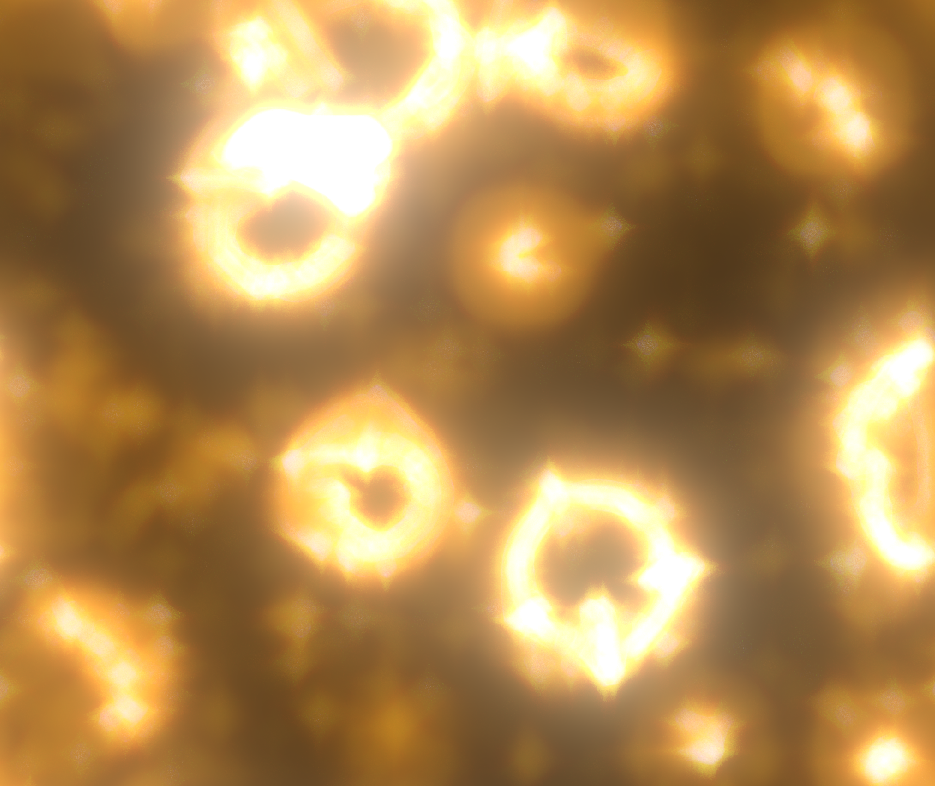
We've added a new Bokeh Blur node which allows you to do things like blurred chromatic aberration, add custom bokeh shapes, and more.

Feature Preview

Node: Looper

Status IconCompleted

Feature Preview

Node: Looper

User Avatar

Nicholas Seavert

Posted on April 28, 2026

Status IconCompleted

We've added a new node that's able to loop image sequences by cross fading frames. In practice you could export 80 frames from EmberGen and then pack the blend into a 64 frame looped flipbook with IG.


Shipped: 1.1.2 (02/25/2026)

Collapse Section

Feature Preview

1.1.2 Changelog

Status IconCompleted

Feature Preview

1.1.2 Changelog

User Avatar

Nicholas Seavert

Posted on April 27, 2026

Status IconCompleted

IlluGen 1.1.2

New Additions

  • Added Slope Blur node to simulate edge damage on heightmaps
  • Added grayscale Tiler node that generates regular patterns of shapes.
  • Added flip face option to the Transform node for negative scale transforms
  • Added a Color Meter to the 2D viewport, toggled with the Toggle Color Meter button
    • The color meter shows a magnified view of the pixels under the cursor and the value of the pixel under the mouse cursor
    • You can lock the color inspector to a specific pixel by left-clicking the viewport and unlock it by clicking again
    • Color textures show RGBA values in sRGB space
    • Grayscale textures show values in both RGB and sRGB space
    • UV textures show the absolute UV value and the relative offset from the inspected pixel
    • Normal textures show the normal direction
    • Island textures show the island ID and size
  • Added timeline lane visibility "unsolo" support when shift-clicking a soloed lane
  • Added a Utils Advect node to advect textures along UV each animation frame
  • Added operator selection in the Threshold node (Greater than - legacy, Less than, In range, Out of range)
  • Added "Duplicate from" in GeoUV to duplicate a UV set to another one
  • Added Geo Render Camera Control node to control the Geo Render To Texture node
  • Added Geo Delete Points node that deletes points using a mask selection
  • Added Geo Fuse Points node that can merge points in the same position in space
  • Added a high-pass filter option to the grayscale filter node
  • Added a splash screen on Windows and Linux

Improvements

  • Updated UI string truncation to use middle truncation for improved readability of long file paths
  • Improved Frequency parameter on modulator nodes
    • Divisions of the loop region, frames, and seconds are now supported as units for this parameter
  • Improved backwards compatibility handling for node presets
  • Made Node Details panel content resize dynamically based on panel width
  • Improved Cartesian to Polar node
    • Added HQ supersampling option
    • Added aperture angle and width to define full disk coverage
    • Added option to clamp out-of-range texels
    • Added distance options (Euclidean, Chebyshev, Squircle) plus pinch and perspective
  • Improved Texture Transform node
    • Added HQ supersampling option
    • Added optional safe transform toggle that allows any rotation angle and any scale when tiling is active
  • Improved auto-scrolling when dragging off the edge of a panel (e.g. when selecting nodes)
  • Improved import streaming by auto-detecting filename formatting
  • Fixed pop-out curve editor window closing unexpectedly when undoing

Changes

  • Renamed the texture antialiasing option to HQ supersampling
  • Made the "NEW" badge show in the What's New section of the home screen when there are changes
  • Previewing a texture node now shows the texture applied to best matching geometry rather than a flat plane

Fixes

  • Fixed crash when overwrite dialog box was shown while trying to do variation export
  • Fixed the "Export complete" dialog sometimes not showing
  • Fixed the application not entering power saving mode when the task manager was open
  • Fixed some elements overlapping when panels were made very narrow
  • Fixed Ctrl+Click selecting two nodes on the node graph
  • Fixed Copy and Transform Y flipped pivot position and improved label naming
  • Fixed Directional Blur tiling and noise
  • Fixed exposing parameters as pins on multi nodes
  • Fixed missing extension when saving project files on Linux
  • Fixed flip options when tiling was higher than 1
  • Fixed Islands to UV tiling issue
  • Fixed Geo Points Shape UVs
  • Fixed crash when importing geometries too big. It shows an error instead
  • Fixed crash when "collapsing" reroute node onto pin on Mac
Feature Preview

Node: 2D Advection

Status IconCompleted

Feature Preview

Node: 2D Advection

User Avatar

Nicholas Seavert

Posted on January 1, 2026

Status IconCompleted

Utilize basic loops to run advection simulations based on UV inputs. Will become more advanced over time.

Feature Preview

Oscillators: Easily Define Loop Ranges

Status IconCompleted

Feature Preview

Oscillators: Easily Define Loop Ranges

User Avatar

Nicholas Seavert

Posted on January 1, 2026

Status IconCompleted

Oscillators are usually difficult to loop. Being inspired by DAW software (Audio) we're using their industry standard method of looping now for oscillators providing 4 distinct loop types:

  • HZ
  • Frames
  • Loop Divisions
  • Seconds
Feature Preview

HDRI Support

Status IconCompleted

Feature Preview

HDRI Support

User Avatar

Nicholas Seavert

Posted on November 11, 2025

Status IconCompleted

You can now import HDRI skyboxes for lighting objects and previewing materials.

Feature Preview

Node: Slope Blur

Status IconCompleted

Feature Preview

Node: Slope Blur

User Avatar

Nicholas Seavert

Posted on April 28, 2026

Status IconCompleted

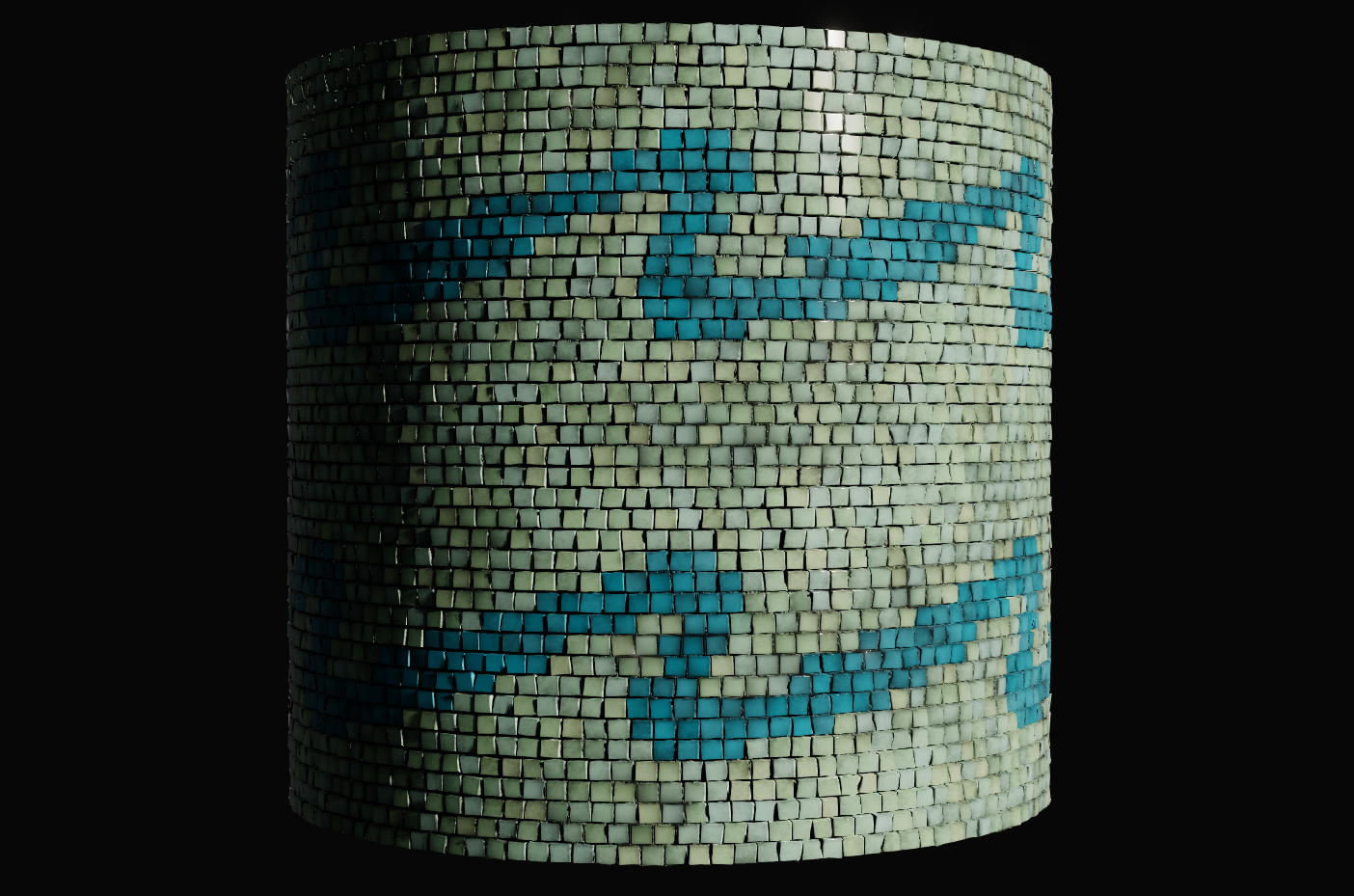
We've added a slope blur node which behaves similar to SD's slope blur. This is useful for creating details such as edge chips, and directionally blurring pixels based on a heightmaps direction.

Feature Preview

Node: Grayscale Tiler

Status IconCompleted

Feature Preview

Node: Grayscale Tiler

User Avatar

Nicholas Seavert

Posted on April 28, 2026

Status IconCompleted

Similar to the Fractal node, the Tiler node allows you to place shapes in grid patterns. One major difference is that the Tiler node has infinitely more control in the placement, size, scale, and ordering of your tiles/cells.

Feature Preview

Pixel Inspector

Status IconCompleted

Feature Preview

Pixel Inspector

User Avatar

Nicholas Seavert

Posted on April 28, 2026

Status IconCompleted

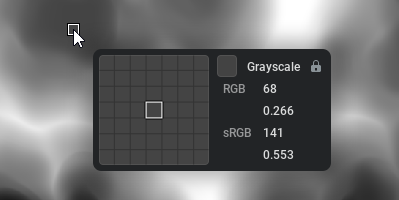
Inspect individual pixel values and lock the tool to individual pixels until you get the value you're looking for.

Feature Preview

Node: Threshold - Range Options

Status IconCompleted

Feature Preview

Node: Threshold - Range Options

User Avatar

Nicholas Seavert

Posted on April 28, 2026

Status IconCompleted

We've added the ability to use the threshold node to select specific ranges:

  • Greater Than
  • Less Than
  • In A Range
  • Out Of A Range
Feature Preview

Node: Geo Fuse Points

Status IconCompleted

Feature Preview

Node: Geo Fuse Points

User Avatar

Nicholas Seavert

Posted on April 28, 2026

Status IconCompleted

In previous iterations of IG, it wasn't possible to seal meshes and fuse vertices together. You can now fuse vertices and close gaps to make sure a mesh won't come apart at the seam.

Feature Preview

High Pass Filter in Node: Grayscale Filter

Status IconCompleted

Feature Preview

High Pass Filter in Node: Grayscale Filter

User Avatar

Nicholas Seavert

Posted on April 28, 2026

Status IconCompleted

We added a high pass filter option to the Grayscale Filter node.

Feature Preview

Cartesian to Polar Options

Status IconCompleted

Feature Preview

Cartesian to Polar Options

User Avatar

Nicholas Seavert

Posted on April 28, 2026

Status IconCompleted

We added a few additional options to the Cartesian to Polar node:

  • Aperature
  • Distance type
  • Squircle
  • Chebyshev
  • Euclidean

Shipped: 1.1.0 (Dec 17th, 2025)

Collapse Section

Feature Preview

1.1.0 Changelog

Status IconCompleted

Feature Preview

1.1.0 Changelog

User Avatar

Nicholas Seavert

Posted on December 1, 2025

Status IconCompleted

New Additions

  • Added Geometry masks. They are defined using Node: Geo Mask and can be applied to all Geometry nodes modifying the geometry
  • Added more displacement modes in Geo Noise Node : Along normal, 3D world (legacy), 3D local and on tangent plane and option to use point orientation or vertices normal and tangent
  • Added Super sampling AA option to spritesheet encoding, edge extension for looping textures
  • Added import streaming to import nodes for image sequences
    • Import nodes can now stream in multiple files over time that match the current timeline frame
  • Added support for variables in the import node's filename
    • This can for example allow you to import files relative to the project's directory
  • Added wrap mode to renderer
  • Added srgb view for grayscale. This allows you to view grayscale nodes in an encoding similar to color nodes
  • Added Opacity mask input and vertex color alpha opacity in geo render to texture node
    • Blend node will now account for the alpha channel when blend mode is set to 'alpha'
    • Grayscale blend mode 'alpha' will blend the inputs like the alpha channel of color blend
    • Previous behaviour of blend mode 'alpha' can be performed by using the new blend mode 'mix'
  • Added 'UI Brightness' setting to preferences
  • Added 'Invert Y channel' to 'Export: UV', 'UV to Color', 'Color to UV', 'UV Split' and 'UV Merge'
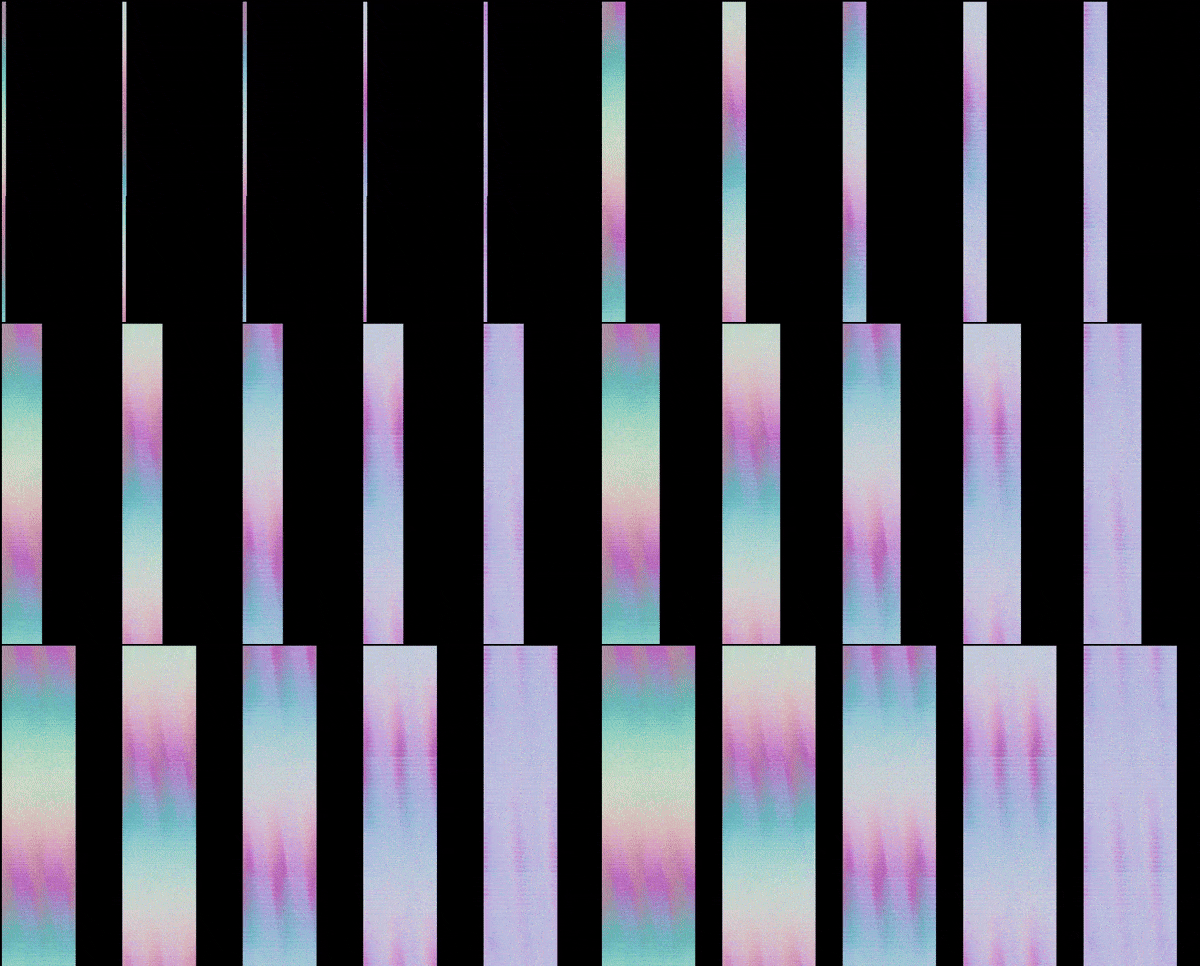
  • Added Optical Flow node:
    • Analyses how pixels move from one frame to another
    • Can be used to produce flowmaps for smooth flipbook playback
  • Added Flow Blend node:
    • Blends 2 images together using a flowmap
  • Added support for out-of-bound values from modulator output preview
  • Added neutral tonemapper to the tonemapping options of the renderer node
  • Added derivative options to the uv from grayscale node
  • Added 'Linear to sRGB' and 'sRGB to Linear' presets in node Levels

Improvements

  • Improved export performance in various cases
  • Improved Sheet Decode to decode multiple frames at once and to have a frame perfect mode
  • Improved timeline playback and scrubbing to make animated parameters more reproducible
  • Enabled node preset support for all nodes
  • Updated UI layout when searching node menu

Changes

  • BREAKING: All combine nodes have been renamed and modified to expose parameters in a clearer way:
    • Geo Combine Transform -> Geo XForm
    • Geo Combine Scale -> Geo Scale Points
    • Geo Combine Color -> Geo Color
  • Changed exporting to export textures at the input nodes resolution rather than the project resolution
  • Made content of group show in node menu if only one group is present

Fixes

  • BREAKING: Fixed orientation inconsistencies with pivots
  • Fixed fractal nodes randomization degenerating on extreme scaling
  • Fixed erroneous context menu on gradient/curve preset browser special categories
  • Fixed clicking off textbox on Node Details panel sometimes not registering the new value
  • Fixed copy and transform pivot baking
  • Fixed aspect ratio in geo render to texture node
  • Fixed rare bug where exiting textbox state might have resulted in a crash
  • Fixed alpha channel being dropped with blend nodes
  • Fixed export progress bar exceeding 100% progress
  • Fixed Sheet Encode
    • to encode the first frame rather than last frame of a sequence when in stride mode
    • to be frame perfect
    • to be pixel perfect
  • Fixed issues with backwards compatibility handling when subgraphs were used
  • Fixed Geo UV node
    • Bad UV generation with triangle geometry
    • Incoherent UI in 'keep current' mode + exposing mirror and rotations
  • Fixed background color being inconsistent when the grid is on
  • Fixed point orientation in geo copy to points, geo copy and transform, geo points shape
  • Fixed geo copy and transform node
    • Jitter position was not aligned to point orientation when points pin was used
    • Distribution and skip last are removed when points pin was used
  • Fixed directional blur uv filtering
  • Fixed point orientation in geo space warp
  • Fixed alpha channel being displayed in the wrong color space when using RGBA toggles in the viewport
Feature Preview

VAT (Vertex Animated Texture) Imports and Exports

Status IconCompleted

Feature Preview

VAT (Vertex Animated Texture) Imports and Exports

User Avatar

Nicholas Seavert

Posted on September 5, 2025

Status IconCompleted

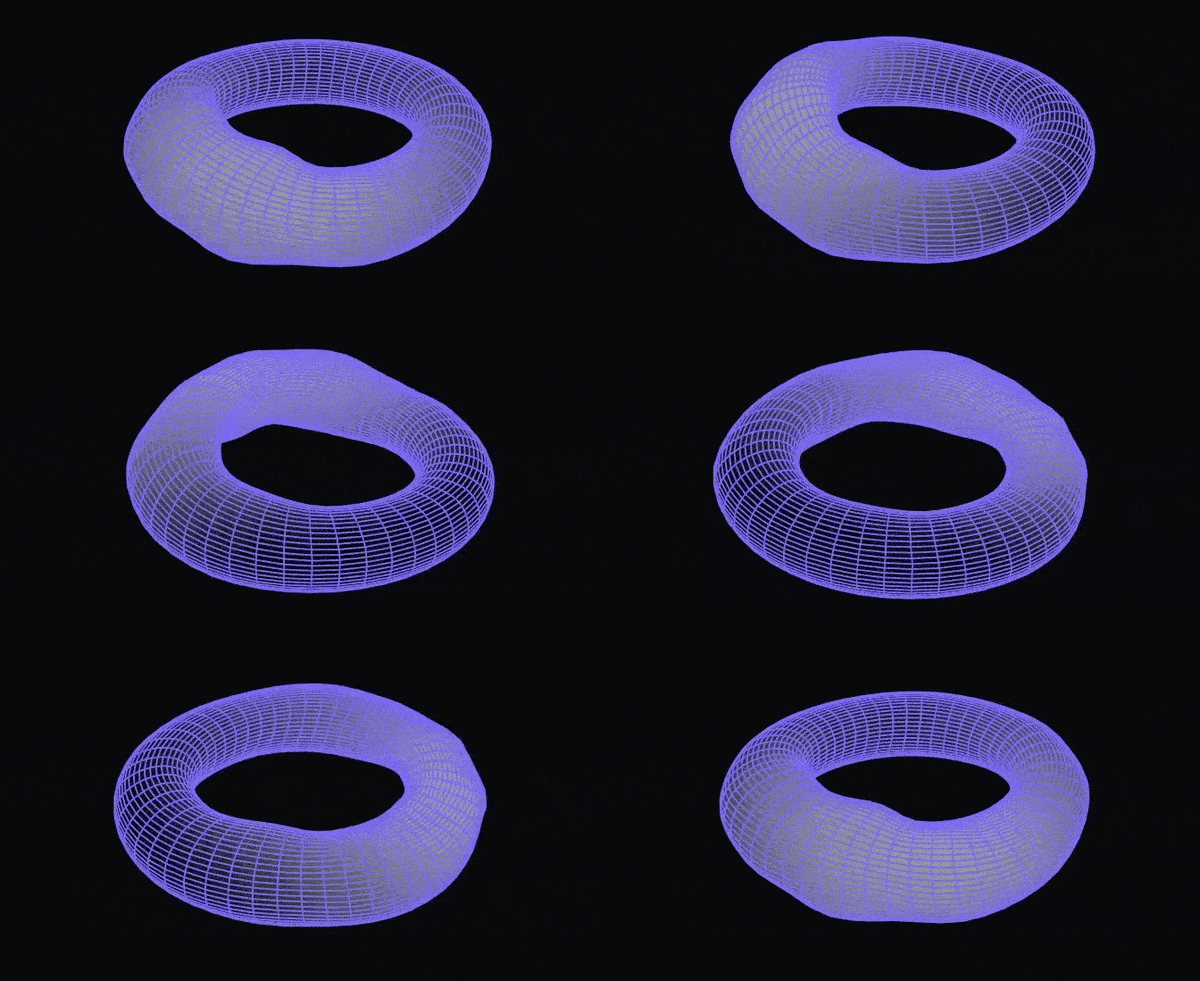
VAT creation support with vertex positions, normals, tangents, and colors with VAT Encode node. VAT playback supported as well with VAT Decode node.

Feature Preview

Optical Flow/Motion Vector Generation

Status IconCompleted

Feature Preview

Optical Flow/Motion Vector Generation

User Avatar

Nicholas Seavert

Posted on October 8, 2025

Status IconCompleted

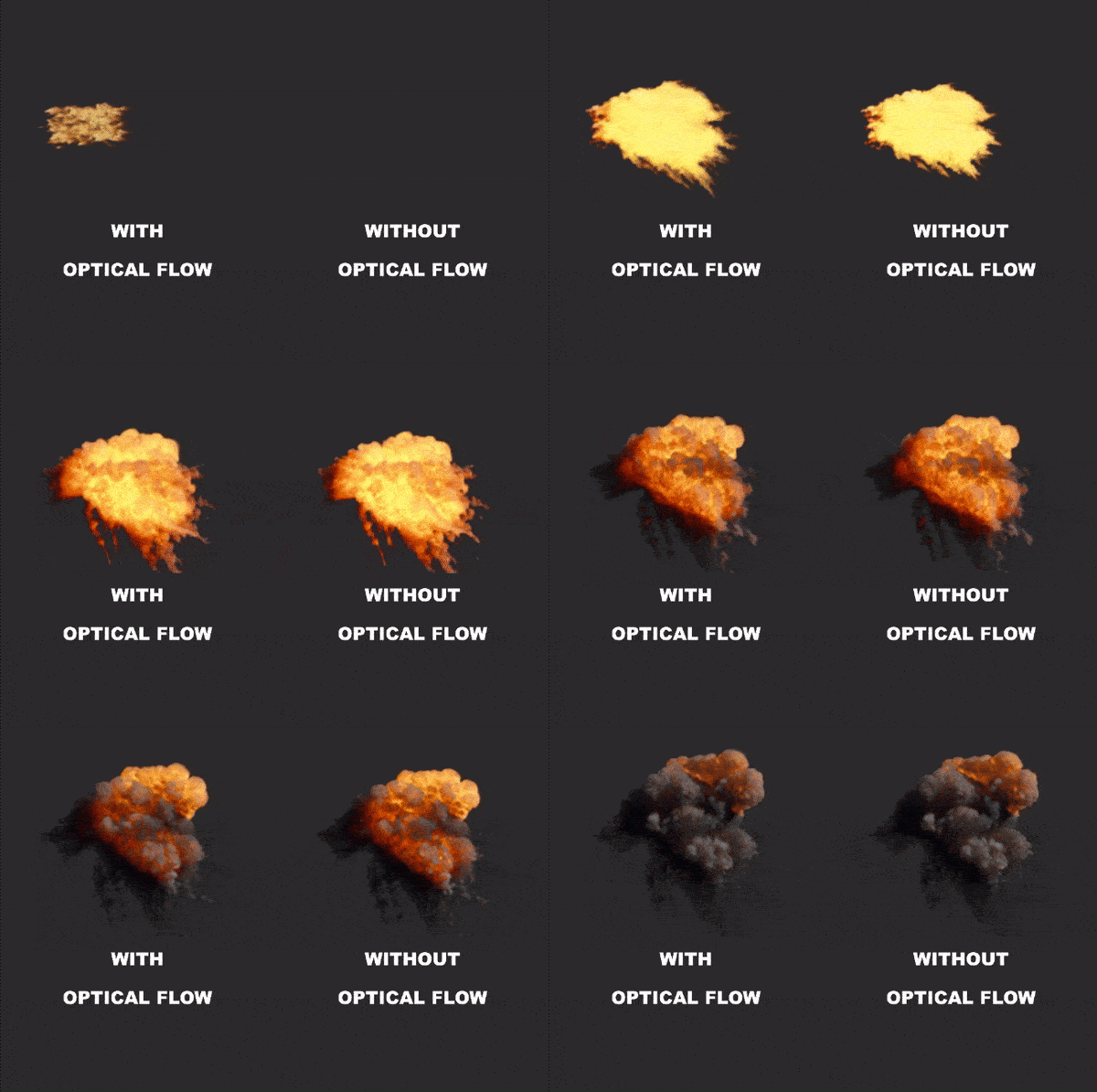
Optical flow as a method is more accurate than something like EmberGen's motion vector pass. IlluGen will allow you to create motion vectors for any animated input.

Optical Flow Node: Generates the optical flow map based on a number of settings within the node. We support standard motion vector outputs, flow pin, and dual flow outputs, which is a combination of the flow and inverse flow pins. Blend Flow Node: Allows for playback of a flow map of any sort (UV input, Optical Flow, Motion Vector).

With the optical flow feature comes 3 new projects detailing how and when to use specific settings for creating optical flow maps and the settings required. Project optical_flow_3 details how to use the dual flow optical flow method. This method for Dual Flow was suggested to us by "Crestycomb" on discord and we've added this experimental functionality based on those suggestions.

Feature Preview

Node: Geo Mask

Status IconCompleted

Feature Preview

Node: Geo Mask

User Avatar

Nicholas Seavert

Posted on December 1, 2025

Status IconCompleted

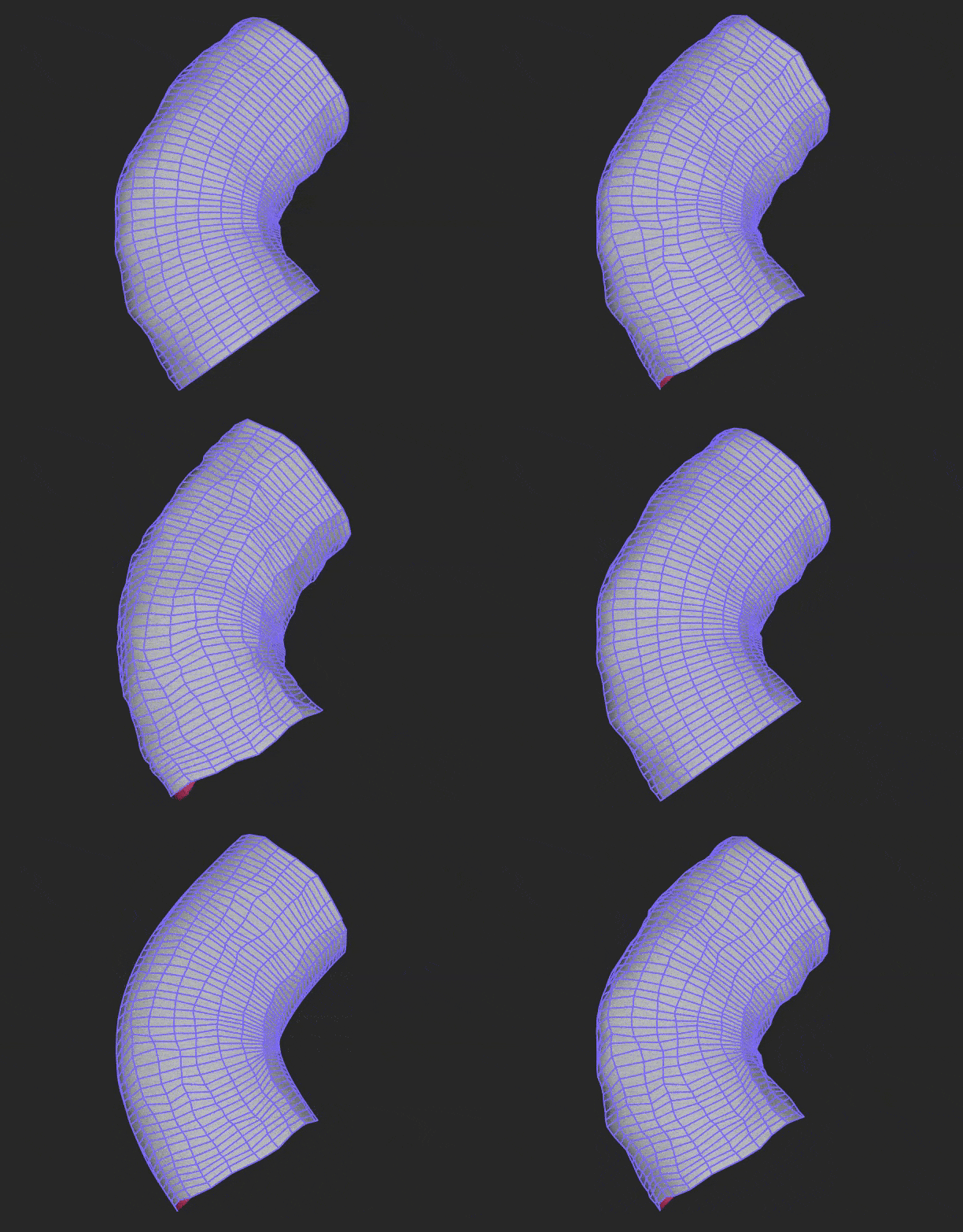
Added Geometry Masking capabilities. Geo Masks are defined using the Geo Mask node and can be applied to all geometry node types. These masks are useful when you want to apply geometry operations to specific mesh locations. In the Gif seen above we have an animated mask based on the distance from the animated position of the Geo Mask gizmo.

Feature Preview

[Geo Noise] - Displacement Spaces

Status IconCompleted

Feature Preview

[Geo Noise] - Displacement Spaces

User Avatar

Nicholas Seavert

Posted on December 1, 2025

Status IconCompleted

New displacement spaces added where you may want noise to have effect in various direction types such as:

  • Along Normal
  • In 3D World Space
  • In 3D Local Space
  • On Tangent Plane

For now this does not apply to the Geo Displace Node and is only available through Geo Noise.

Feature Preview

Independent Node Resolutions

Status IconCompleted

Feature Preview

Independent Node Resolutions

User Avatar

Nicholas Seavert

Posted on December 1, 2025

Status IconCompleted

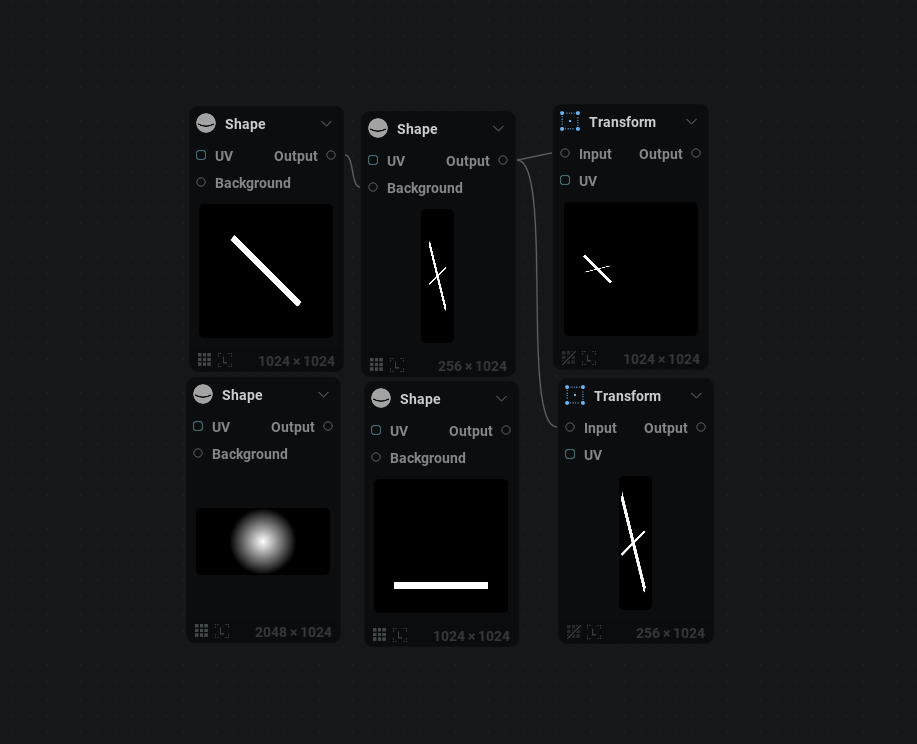
2D nodes can now have independent resolutions on a per node basis. We have 3 inheritence or setting options:

Size Source

  • From Parent: Inherits scaling based on the parent node connected to it
  • From Graph: Inherits scaling based on the global graph settings in the top hot bar.
  • Absolute: Allows you to set a direct resolution without using multipliers i.e 256x1024

With this also comes direct, separate, relative width and relative height settings.

Because the node settings for the "texture tab" are now rather large, when clicking a node we will jump directly to node specific content and you would need to scroll up to edit the texture tab info directly. This is a QOL change.

Feature Preview

Preferences: UI Brightness Slider

Status IconCompleted

Feature Preview

Preferences: UI Brightness Slider

User Avatar

Nicholas Seavert

Posted on December 1, 2025

Status IconCompleted

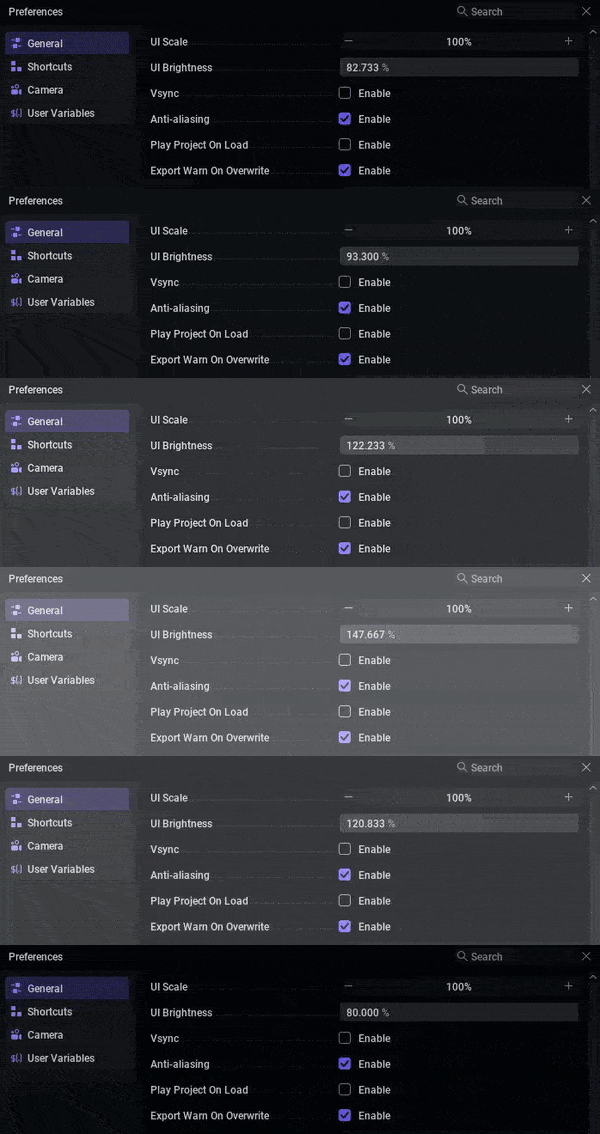
A number of customers have requested a UI brightness slider, so here it is!

Feature Preview

BREAKING CHANGES

Status IconCompleted

Feature Preview

BREAKING CHANGES

User Avatar

Nicholas Seavert

Posted on December 1, 2025

Status IconCompleted

Breaking Changes

  • All combine nodes have been renamed and modified to expose parameters in a clearer way:
    • Geo Combine Transform -> Geo XForm
    • Geo Combine Scale -> Geo Scale Points
    • Geo Combine Color -> Geo Color

Fixes That Break Stuff

  • Fixed orientation inconsistencies with mesh pivots. Some of your projects may be disconnected or scaled in a different way.
Feature Preview

Import Streaming Image Sequences

Status IconCompleted

Feature Preview

Import Streaming Image Sequences

User Avatar

Nicholas Seavert

Posted on December 1, 2025

Status IconCompleted

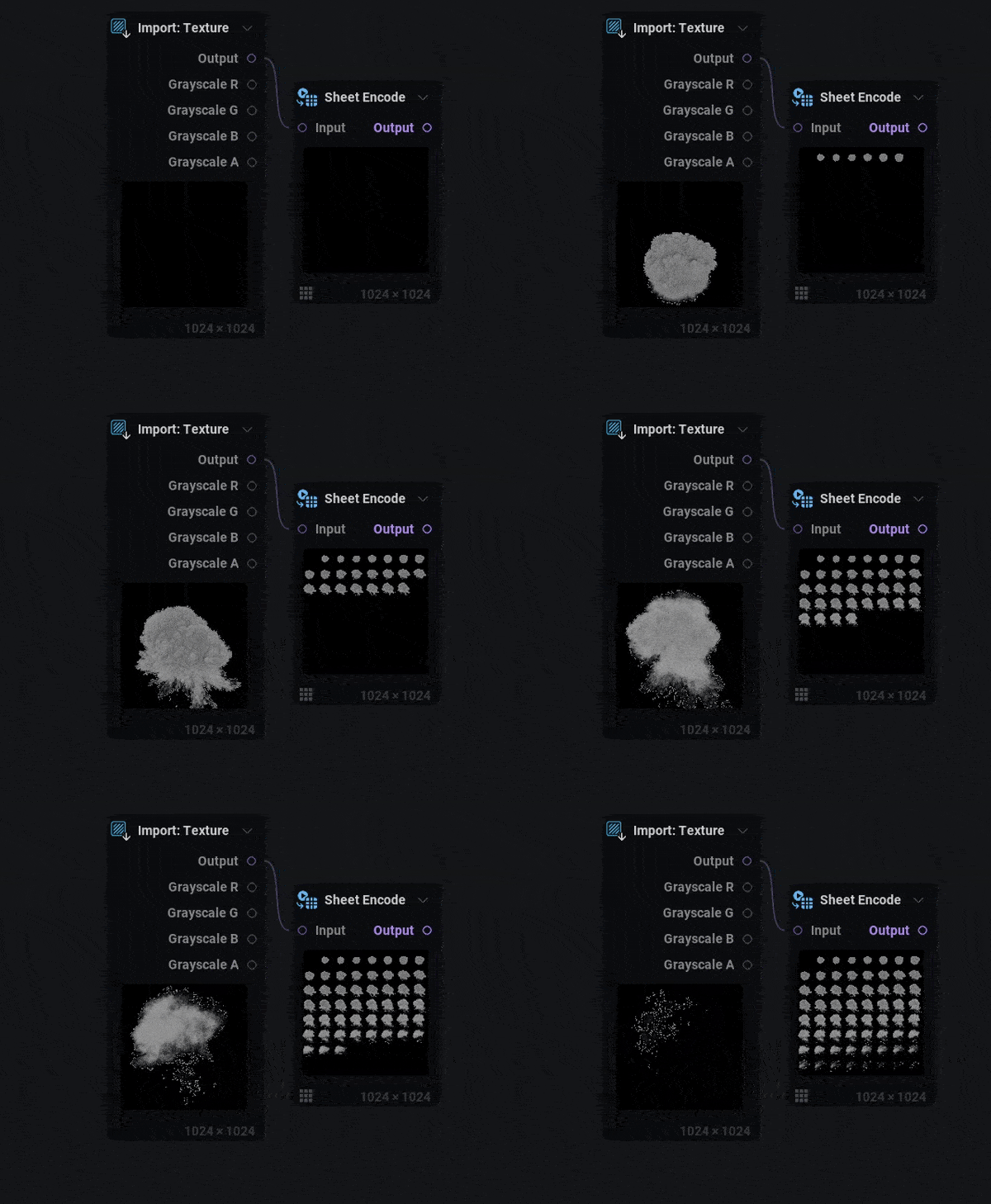
Using the import texture node, you can now stream in image sequences. If your file is named smoke_01, smoke_02 etc you would need to stream it with a file path edit like .../Smoke_##.png with two hashtags where each individual tag equals one number position.


Shipped: 1.0.3 (October 22nd, 2025)

Collapse Section

Feature Preview

1.0.3 Changelog

Status IconCompleted

Feature Preview

1.0.3 Changelog

User Avatar

Nicholas Seavert

Posted on October 13, 2025

Status IconCompleted

New Additions

  • Added option in Geo sweep to transfer point color to vertex color
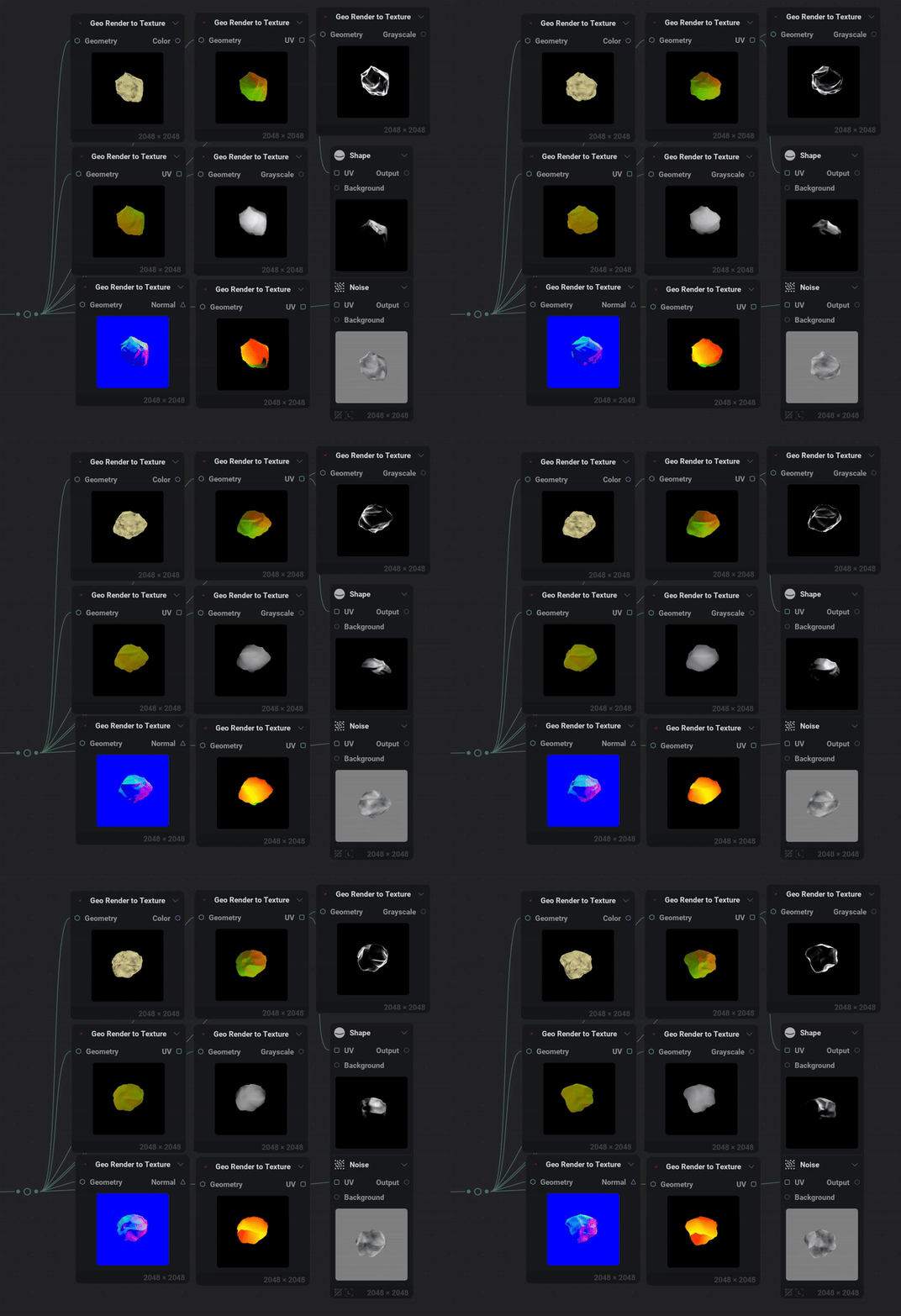
  • Added Geo Render to Texture node:
    • Color: Vertex color, Point color, 3D positions uniform, 3D position scaled per axis
    • UV: vertex UV0 -> UV3, point UV, Reflection distortion, Refraction distortion, Normal to UV
    • Grayscale: Depth, Mask, Fresnel, Diffuse lighting
    • Normal (screen or world): Vertex normal, Point normal, Reflection vector, Refraction vector
  • Added Multi packer node to easily create atlases
  • Added Pixelizer node to reduce and quantize textures
  • Added the ability to select a custom resolution for Export Viewport node
  • Added new techniques to the Edge Detect node

Improvements

  • Improved Geo copy and transform by adding pre rotation, pre scale, extent or spacing distribution as well as curves
  • Improved rendering of geometry when only the emissive pin is used

Changes

  • Made shortcut key name in preferences expand when resizing window and added tooltip

Fixes

  • Fixed import model to work with larger sized models
  • Fixed integer values sometimes showing as different when multi-editing nodes
  • Fixed fractal nodes randomization degenerating on extreme scaling
  • Fixed space warp node unwanted translation when moving origin
Feature Preview

Geometry to Texture Render Targets

Status IconCompleted

Feature Preview

Geometry to Texture Render Targets

User Avatar

Nicholas Seavert

Posted on September 5, 2025

Status IconCompleted

There are often scenarios where you want to create 2D impostors of a 3D object, or situations where you want to bake a 3D render down into a 2D texture for splatting the object or using it's UV's for custom effects.

This node will have Geometry to Texture features that supports these render passes:

Color:

  • Vertex color
  • Point color
  • 3D positions uniform
  • 3D position scaled per axis

UV:

  • vertex UV0 ->UV3
  • point UV
  • Reflection distortion
  • Refraction distortion
  • From normal

Grayscale:

  • Depth
  • Mask
  • Fresnel

Normal (screen or world):

  • Vertex normal
  • Point normal
  • Reflection vector
  • Refraction vector
Feature Preview

[Edge Detect] - New Edge Detection Methods

Status IconCompleted

Feature Preview

[Edge Detect] - New Edge Detection Methods

User Avatar

Nicholas Seavert

Posted on December 1, 2025

Status IconCompleted

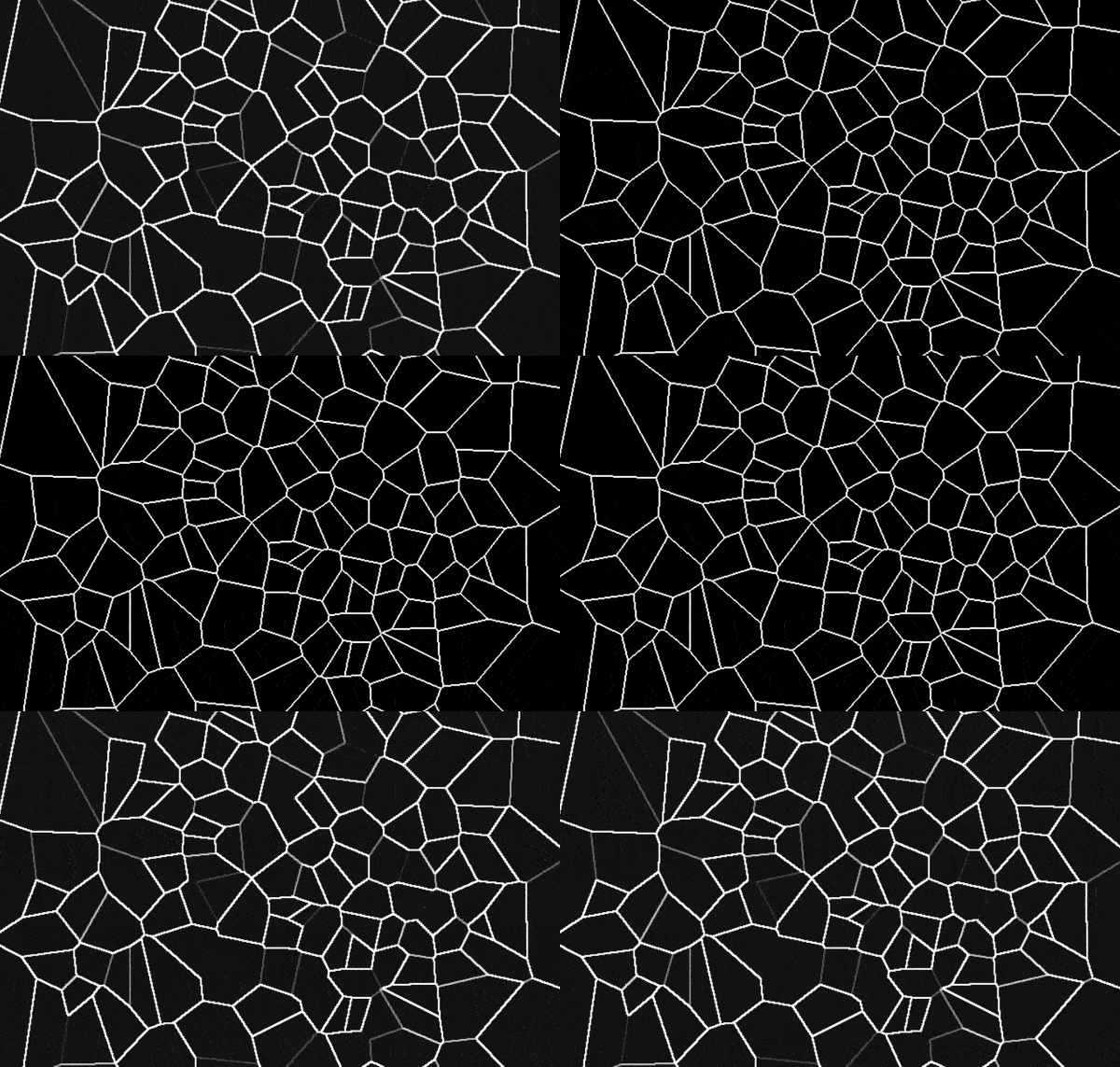
Techniques Available Now

  • Sobel
  • Scharr
  • Central Difference
  • Corner Difference
  • Sharp Voronoi Edge

Sharp Voronoi Edge is particularly useful because it ensures that all edges/lines are the same color when the edge may have not been precise enough with other methods. Sharp Voronoi Edge allows you to skip using a threshold node to try and boost the color of some lines in the case where you may be making cracks in the ground etc.


Shipped: 1.0.2 (September, 10th, 2025)
Collapse Section

Feature Preview

1.0.2 Changelog

Status IconCompleted

Feature Preview

1.0.2 Changelog

User Avatar

Nicholas Seavert

Posted on September 5, 2025

Status IconCompleted

1.0.2

New Additions

  • Added geometry self shadowing
  • Added intensity parameter to color to normal node
  • Added maximum smoothness intensity to Polar Scatter node and Grayscale Fractal nodes
  • Added support for dropping multiple files onto the node graph
  • Added automatic capture of thumbnails for projects
  • Added geo displacement node, this removes the displacement pin in the renderer
  • Added a scale reference to grayscale shape node to define the texture axis used to define the size of the shape
  • Added preset to all nodes missing them
  • Added color to normal intensity slider
  • Added copy + paste support to curves and gradients
  • Added a 'regular' chaos type to UV radial

Improvements

  • Improved floating viewport when a panel is fullscreen to display all viewport modes
  • Improved grid shadow to work with opacity keying and displacement
  • Improved geometry and point node types. you can now use all geo nodes with any type of geometry
  • Improved anisotropy in utils transform node which has been replaced with non uniform scale - horizontal and vertical scales
  • Improved graph undo/redo stability
  • Improved workload balancing on weaker GPUs
  • Improved geometry lighting
  • Improved auto view when working with 2D heavy project
  • Improved chaos in UV radial : 3D noise, rotation, contrast and bias control

Changes

  • Changed graph align options to support shortcuts
  • Changed timeline key align to support shortcuts
  • Changed renderer node parameter "emissive" to "emissive intenisty"
  • Moved ground grid and shadow to per-project settings

Fixes

  • Fixed a bug preventing presets from being launched on the home page
  • Fixed issues with ui animation being dependant on framerate
  • Fixed crash/freeze while the node graph is processing geometry
  • Fixed geometry merge to support different attributes configuration to be merged
  • Fixed broken curvature node
  • Fixed caustic tiling even when tiling option was off
  • Fixed geo noise missing shard and gabor noises
  • Fixed grayscale spline when uv input is connected
  • Fixed Caustic looking drastically different when changing resolutions
  • Fixed fractal nodes breaking the tiling when quincunx was active
  • Fixed grid node not generating tileable islands
  • Fixed geometry tangents when using geo uv node
  • Fixed nodes not updating properly when dependent on timeline frame
  • Fixed geo node stats not updating properly when animated
  • Fixed undo undoing too many things in a single action
  • Fixed modulatable range slider when inputting for "Max" value
  • Fixed undo resetting the entire lattice for the lattice warp node
  • Fixed first frame of export being wrong in many cases
Feature Preview

[COLOR TO NORMAL]: Normal Intensity Slider

Status IconCompleted

Feature Preview

[COLOR TO NORMAL]: Normal Intensity Slider

User Avatar

Nicholas Seavert

Posted on September 5, 2025

Status IconCompleted

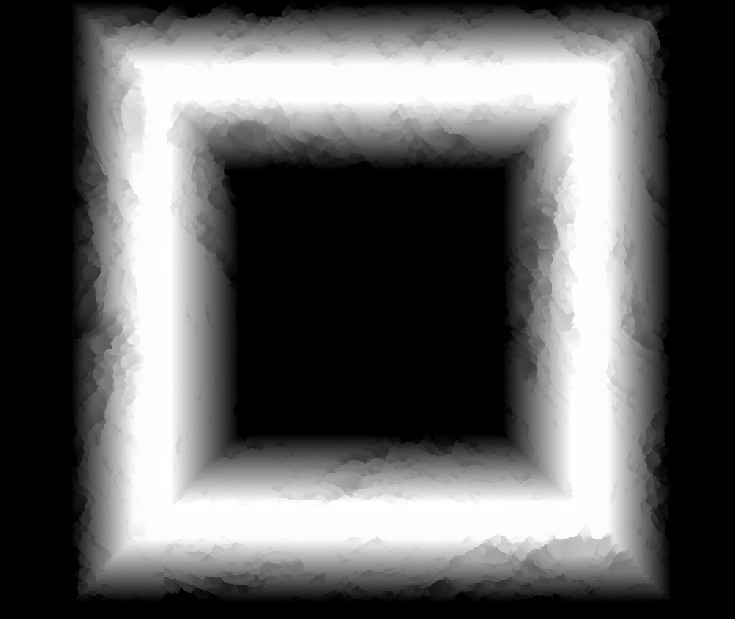
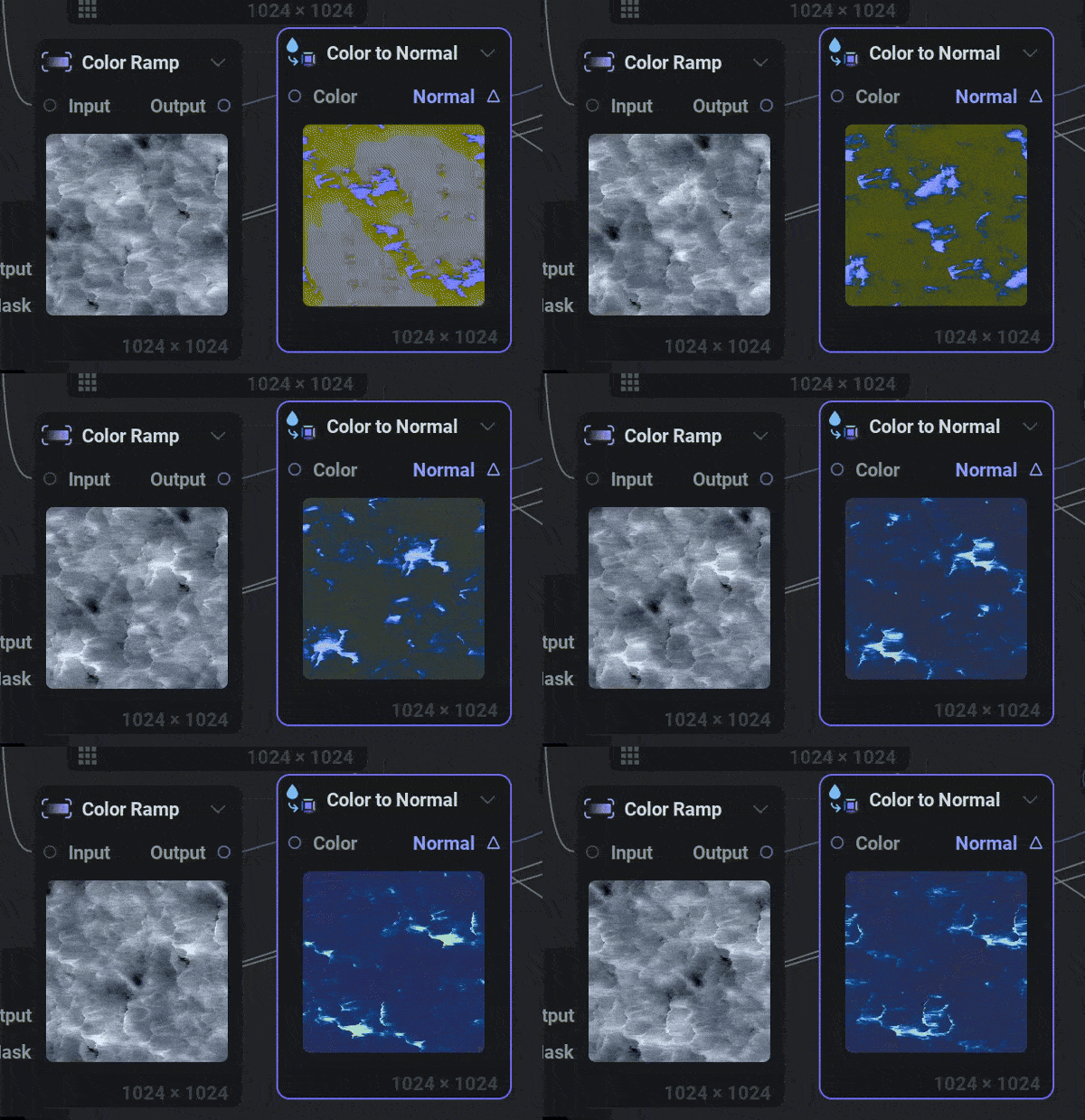
In the Color To Normal Node, we added a new intensity slider which allows for some interesting effects!

Feature Preview

Max Smoothness Parameter for [FRACTAL] & [POLAR SCATTER]

Status IconCompleted

Feature Preview

Max Smoothness Parameter for [FRACTAL] & [POLAR SCATTER]

User Avatar

Nicholas Seavert

Posted on September 5, 2025

Status IconCompleted

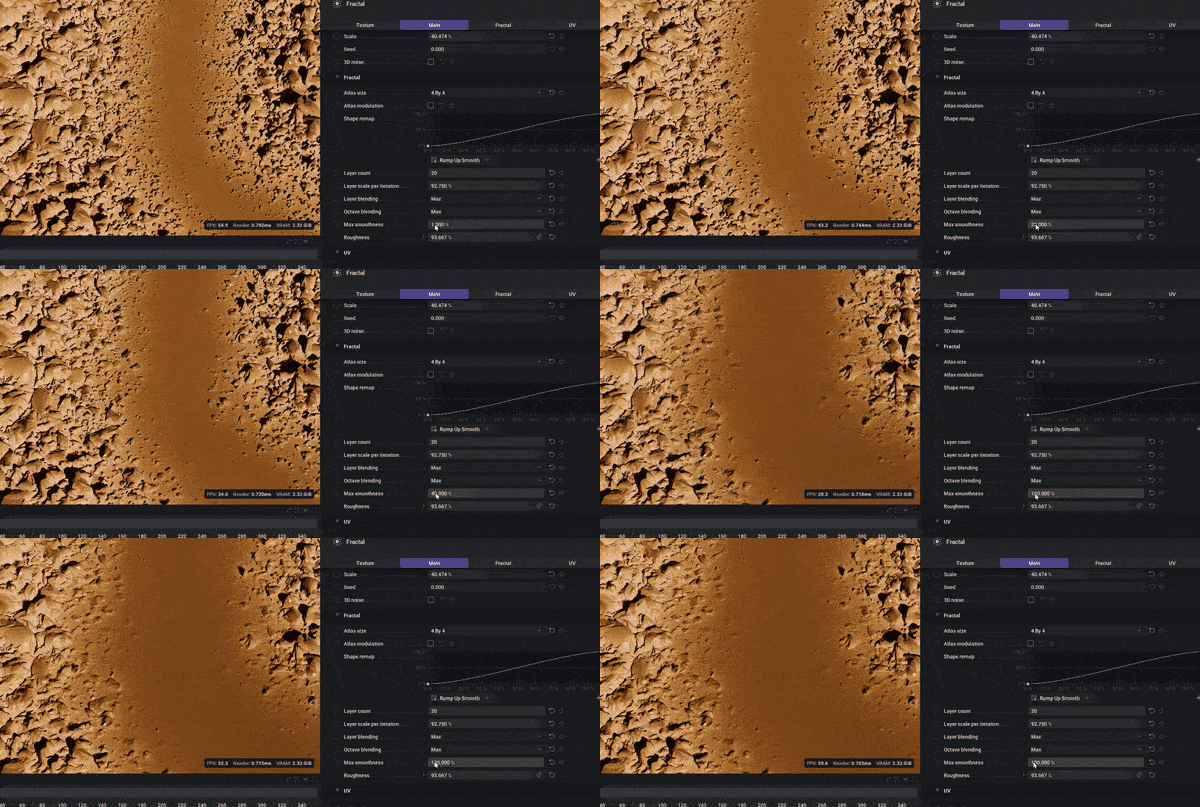
Added a max smoothness parameter for Grayscale Fractal and the Polar Scatter Nodes. This allows you to create a smoother blend when using "MAX" as your layer blending mode.

Feature Preview

[UV RADIAL]: Improvements

Status IconCompleted

Feature Preview

[UV RADIAL]: Improvements

User Avatar

Nicholas Seavert

Posted on September 5, 2025

Status IconCompleted

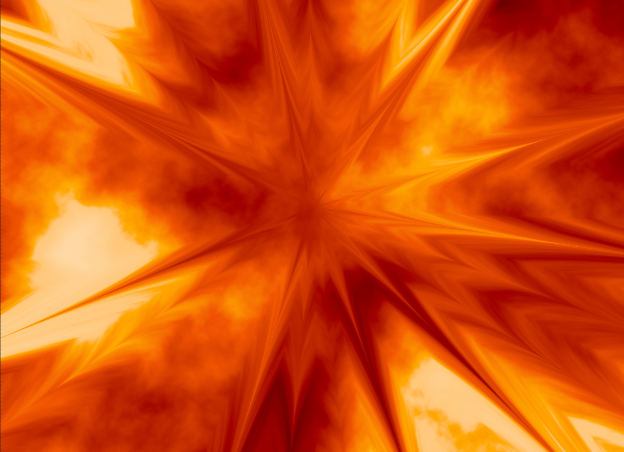
  • Added a 'regular' chaos type to UV radial, as seen above in the thumbnail. This creates more regular streaks of "chaos" vs randomized noise.
  • Improved chaos in UV radial : Added 3D noise, rotation, contrast and bias control
Feature Preview

Improved Geometry Lighting

Status IconCompleted

Feature Preview

Improved Geometry Lighting

User Avatar

Nicholas Seavert

Posted on September 5, 2025

Status IconCompleted

Updated geometry lighting to better support PBR workflows, shadows, and rim lighting.


Shipped: 1.0.0 - Debut Release - (July 27, 20205)
Collapse Section

Feature Preview

1.0.0 Changelog & Release Notes

Status IconCompleted

Feature Preview

1.0.0 Changelog & Release Notes

User Avatar

Nicholas Seavert

Posted on July 28, 2025

Status IconCompleted

IlluGen 1.0 Release Notes

Summary: IlluGen 1.0 is a real-time procedural VFX asset generator for both 2D and 3D assets. This is the first public release and unlike a standard changelog, we will list the major features, and nodes as they currently exist.

Included Nodes

  • [camera]: camera, look at
  • [color]: adjust, fractal, hue spread, interpolate, ramp, replace, uniform
  • [export]: color, mask, mesh, multimask, normal, viewport, warp
  • [geometry]: accumulate, bake, combine color, combine scale, combine transform, copy and transform, copy to points, extract points, merge, noise, points shape, promote, shapes, space warp, sweep, transform, UV
  • [grayscale]: AO, caustics, curvature, curve, dilate, filter, fractal, gradient, noise, polar scatter, shape, slice, spline, threshold, uniform, xdog
  • [import]: model, texture
  • [islands]: generate, padding, to color, to gradient, to grayscale, to uv
  • [normal]: combine, create
  • [particle]: 2D render, point attributes
  • [utils]: alpha merge, alpha split, anisotropic kuwahara, auto crop, bilateral filter, blend, blur, cartesian to polar, color to normal, color to uv, copy and transform, denoise, directional blur, distance, edge detect, fxaa, glow, grid, hsva to rgba, lattice, levels, multi blend, multi switch, normal merge, normal split, normal to color, polar to cartesian, rgba merge, rgba split, rgba to hsva, rgb to grayscale, sheet decode, sheet encode, softblend, tile, transform, uv merge, uv split, uv to color
  • [uv]: blend, blur, cartesian to polar, directional, flow, from grayscale, identity, noise, radial, rotational, spline, transform

Features

  • Real-time Node Previews for individual nodes.
  • 2D and 3D Viewports for cleaner editing and separation of asset types.
  • Author procedural 2D and 3D assets within the same graph for ultimate convenience.
  • Preview individual color channels, and full color with alpha within our 2D viewport.
  • Conveniently check for texture tiling with our tiling texture preview
  • Switch between bilinear and point filtering as needed
  • Preview normal maps, UV warp coordinates (these are used to warp textures), 2D images, grayscale, color, alpha, flowmaps, flipbooks, 3D meshes, 3D mesh points, vertices, UV's, faces, triangles, quads and a ton more.
  • Alpha is not a separate concept in IlluGen like other some tools. Anything can be packed as an alpha channel and can be authored like any other RGB or HSV color channel.
  • Brand new node search system when dragging off of a pin: Allows you to easily type the name of a node or node preset.
  • Smart and context appropriate node suggestions based on your most commonly used nodes in a given situation.
  • Reroute pins: Drag off of any active connection to create a reroute node. This is also the proper way to move a bundle of connections to another pin.
  • Animation timeline complete with keyframing, a full curve editor, repeating, looping, and more.
  • Easily load and edit existing flipbook textures on a per frame basis.
  • Export Mesh Flipbooks, 2D Flipbooks, 2D Images, Non-Square textures, and more.
  • Subgraph support: For commonly used sets of nodes, use subgraphs to make reusable functions out of them and simplify your workflows.
  • Curve profile and color gradient presets can be stored in custom folders and be shared amongst teams.
  • Any node can become a preset by clicking the dropdown at the top right of the node info window. This is useful in a case where you may have a very cool custom noise texture that you've generated and would like to easily reuse it as a starting point in the future. Once named, you could search for this preset and spawn it right within the node context window (right click).
  • Basic PBR rendering support
  • Standard shading model support for VFX asset types: Alpha, Opaque, multiply, translucent.
Feature Preview

Node: Fractal Noise

Status IconCompleted

Feature Preview

Node: Fractal Noise

User Avatar

Nicholas Seavert

Posted on April 17, 2025

Status IconCompleted

Expanding beyond your typical noise generation, the fractal node is useful for distributing shapes and images into uniquely blended fractal patterns.

Feature Preview

Subgraphs & Graph Presets

Status IconCompleted

Feature Preview

Subgraphs & Graph Presets

User Avatar

Nicholas Seavert

Posted on April 21, 2025

Status IconCompleted

Subgraphs are a type of nested node graph. You can select nodes and convert them to a subgraph, then edit the subgraph to have specific input and output pins. Subgraphs can be reused throughout your projects if you have common node functions you would like to save.

Feature Preview

Beautiful Node Previews

Status IconCompleted

Feature Preview

Beautiful Node Previews

User Avatar

Nicholas Seavert

Posted on April 21, 2025

Status IconCompleted

Node previews are important because they give you the ability to see how the texture changes due to subsequent operations. The previews are clean, crisp, and run at a high framerate.

Feature Preview

Utility Asset Manager (Gradients, Curves, Brushes)

Status IconCompleted

Feature Preview

Utility Asset Manager (Gradients, Curves, Brushes)

User Avatar

Nicholas Seavert

Posted on May 7, 2025

Status IconCompleted

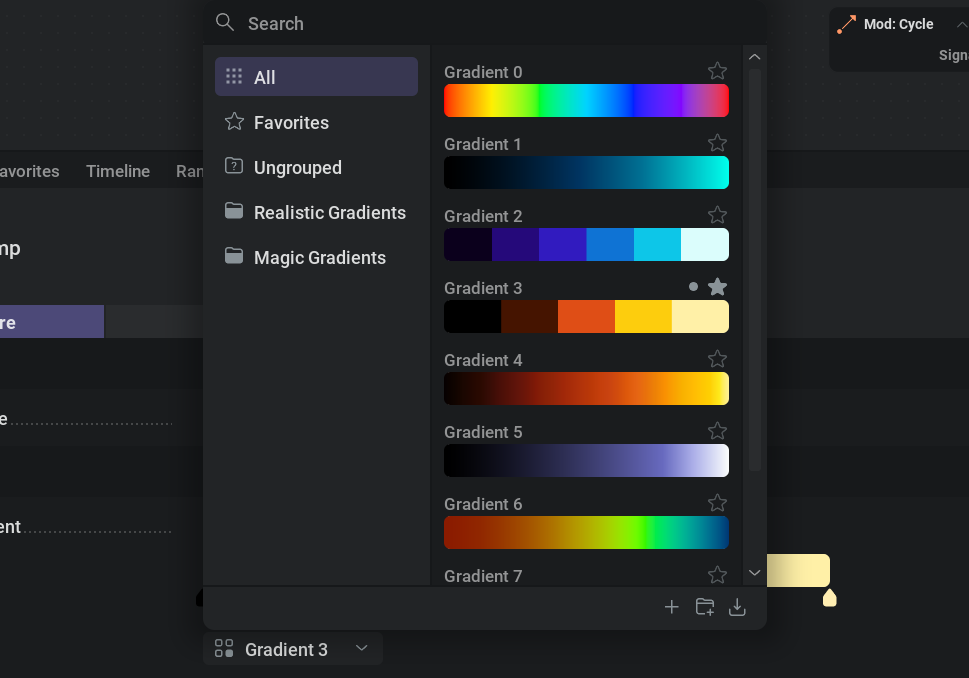
In the photo above we show a preview of the upcoming utility asset manager for our color gradients. You will be able to group gradients, favorite them, and put them into unique folders as needed. This functionality will also be expanded to support brushes for painting and curves for parameters.

Feature Preview

Linux Support

Status IconCompleted

Feature Preview

Linux Support

User Avatar

Nicholas Seavert

Posted on May 7, 2025

Status IconCompleted

IlluGen will run natively on Linux!

Feature Preview

MacOS Support

Status IconCompleted

Feature Preview

MacOS Support

User Avatar

Nicholas Seavert

Posted on May 7, 2025

Status IconCompleted

IlluGen will run on MacOS from day 1!

Feature Preview

3D VFX Meshes

Status IconCompleted

Feature Preview

3D VFX Meshes

User Avatar

Nicholas Seavert

Posted on May 9, 2025

Status IconCompleted

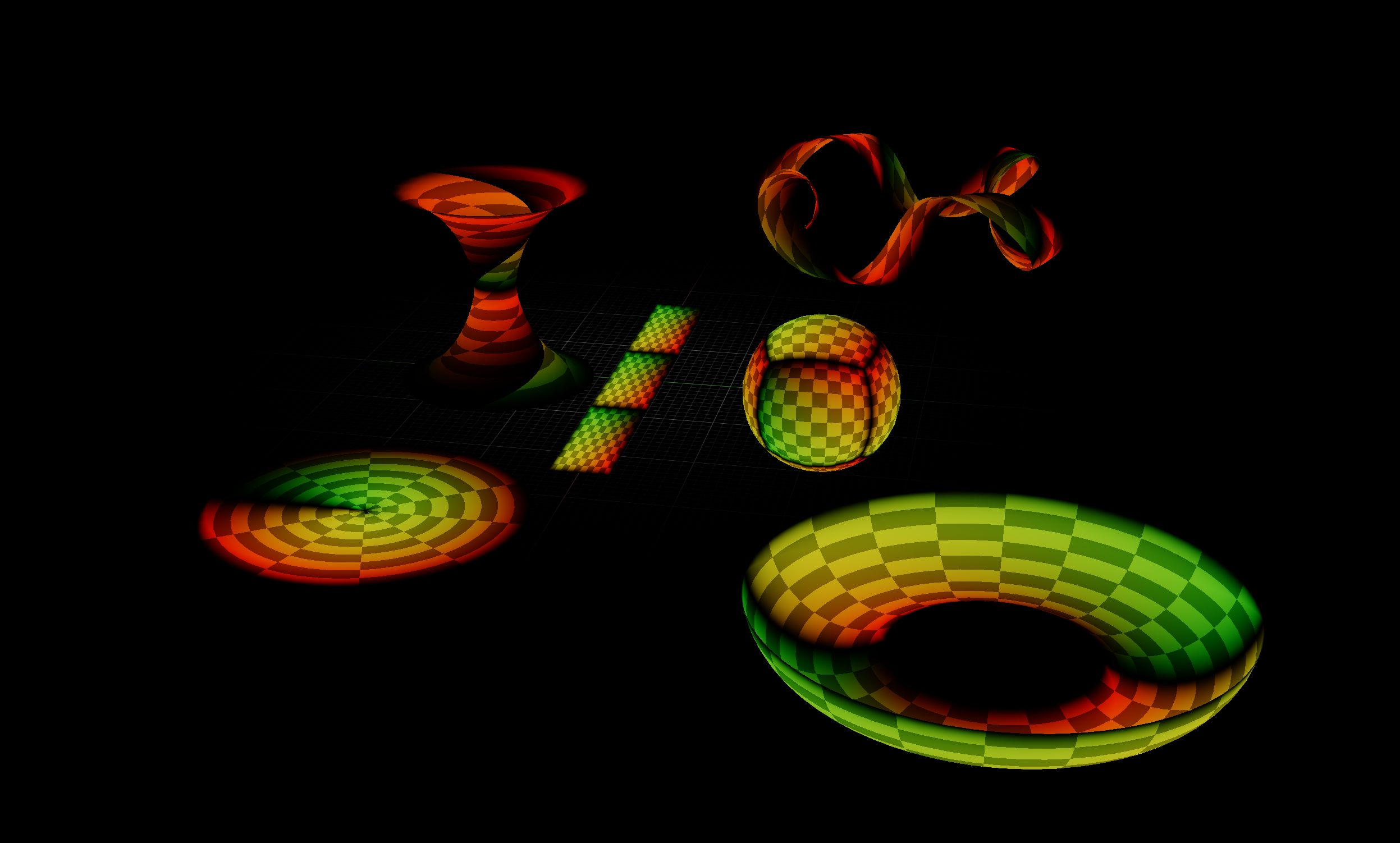
IlluGen isn't just for 2D assets, we also support generating procedural 3D meshes and UV's for your visual effects needs. One of the core features of IlluGen is that 3D and 2D assets can be created in the same graph so that you can preview your masks, textures, animating timings, UV's, mesh shape, and more in real-time. No hopping back and forth between your 3D DCC and your engine to test UVs!

Feature Preview

Geometry Pivot Baking

Status IconCompleted

Feature Preview

Geometry Pivot Baking

User Avatar

Nicholas Seavert

Posted on July 2, 2025

Status IconCompleted

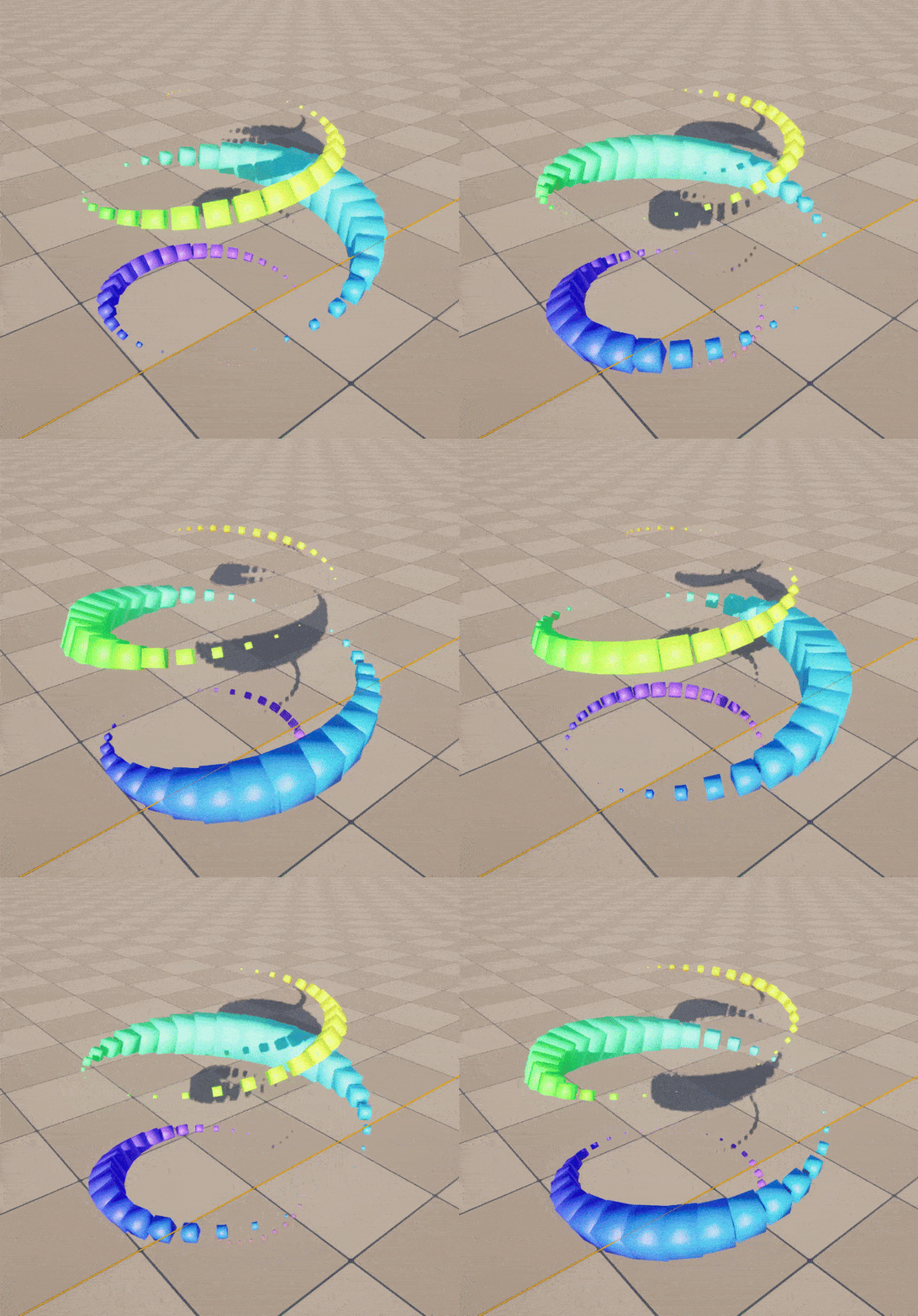
Bake pivots of individual or instanced geometry items. This gives you an optimized way of animating and displaying a complex set of objects/meshes using a single mesh and a single draw call in your games.

Feature Preview

Tiling Textures

Status IconCompleted

Feature Preview

Tiling Textures

User Avatar

Nicholas Seavert

Posted on July 2, 2025

Status IconCompleted

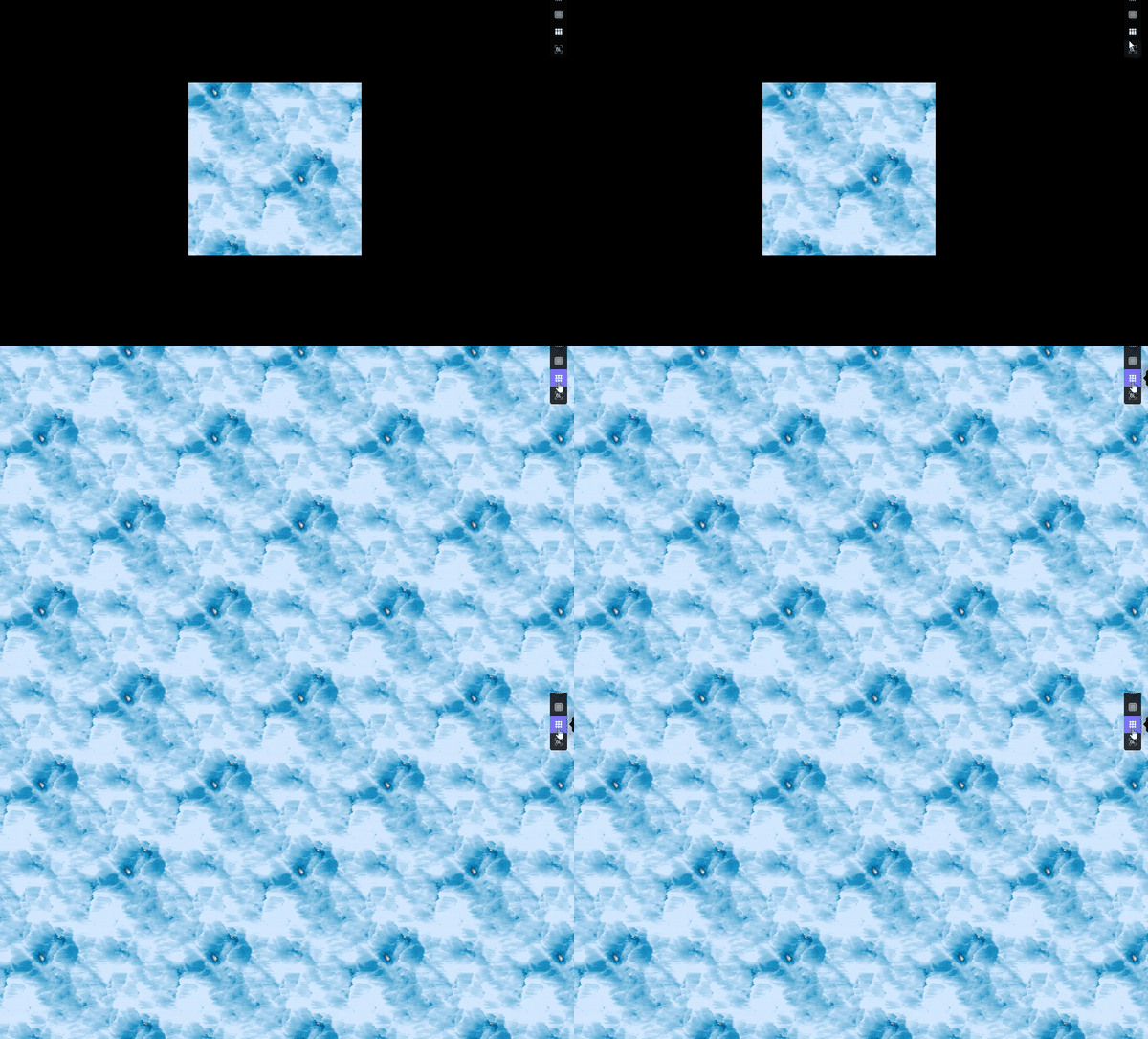
Textures in illugen tile natively!

Feature Preview

Node: Caustics

Status IconCompleted

Feature Preview

Node: Caustics

User Avatar

Nicholas Seavert

Posted on July 2, 2025

Status IconCompleted

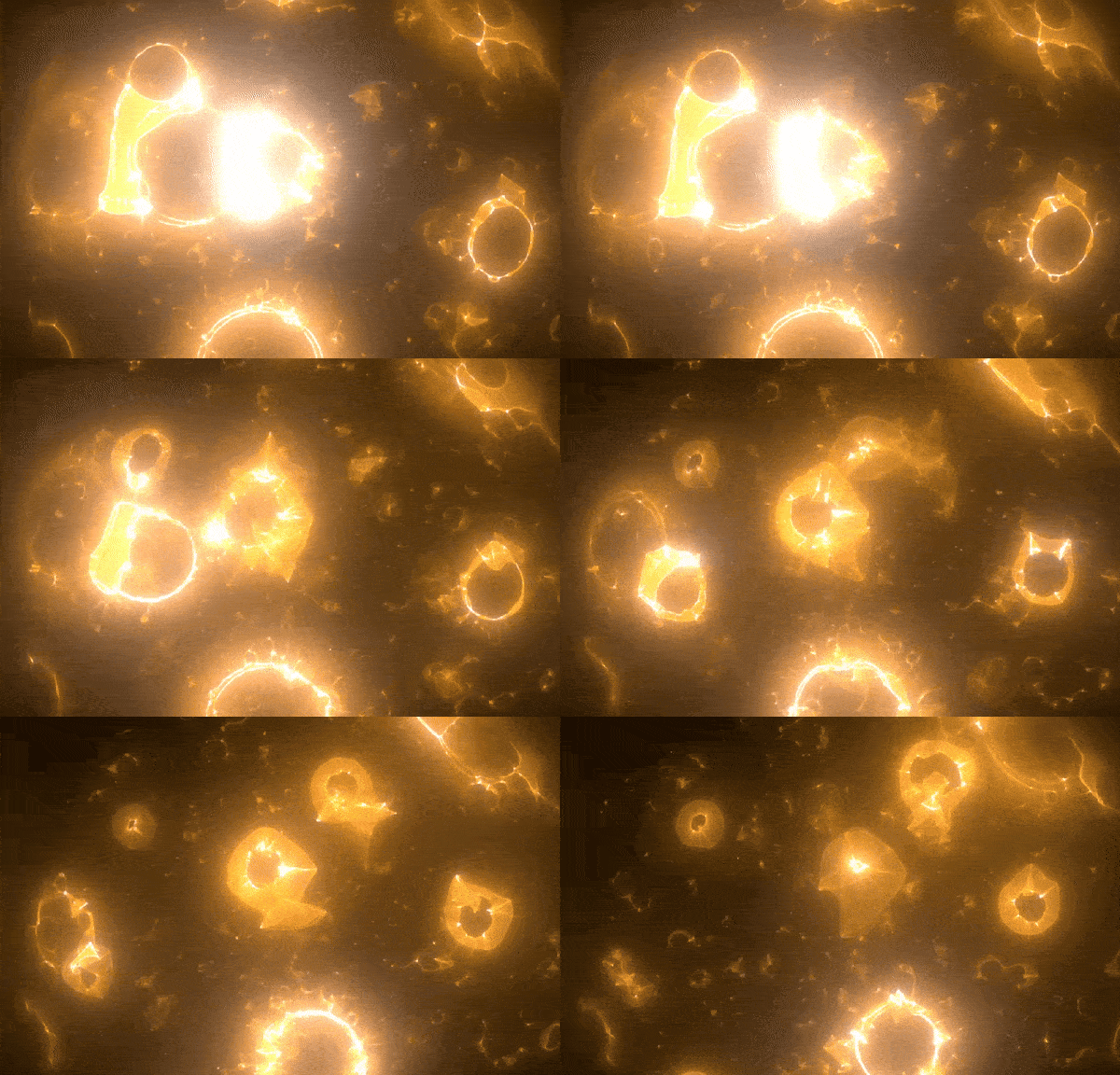
The caustics node allows you to simulate complex light interactions via a 2D path tracing algorithm. This is fantastic for unique, thin, wispy textures, lightning, stylized effects, or.. tiling caustics!

Feature Preview

Mesh Manipulators

Status IconCompleted

Feature Preview

Mesh Manipulators

User Avatar

Nicholas Seavert

Posted on July 2, 2025

Status IconCompleted

This will allow you to modify geometry colors, orientation, position and scale using curves, gradients and textures in very creative ways. These animations can of course then be exported as a VAT or a Mesh Flipbook